Managing Calls and Videoconferences | 36
RADVISION | User Guide for SCOPIA XT5000 Series Version 3.0
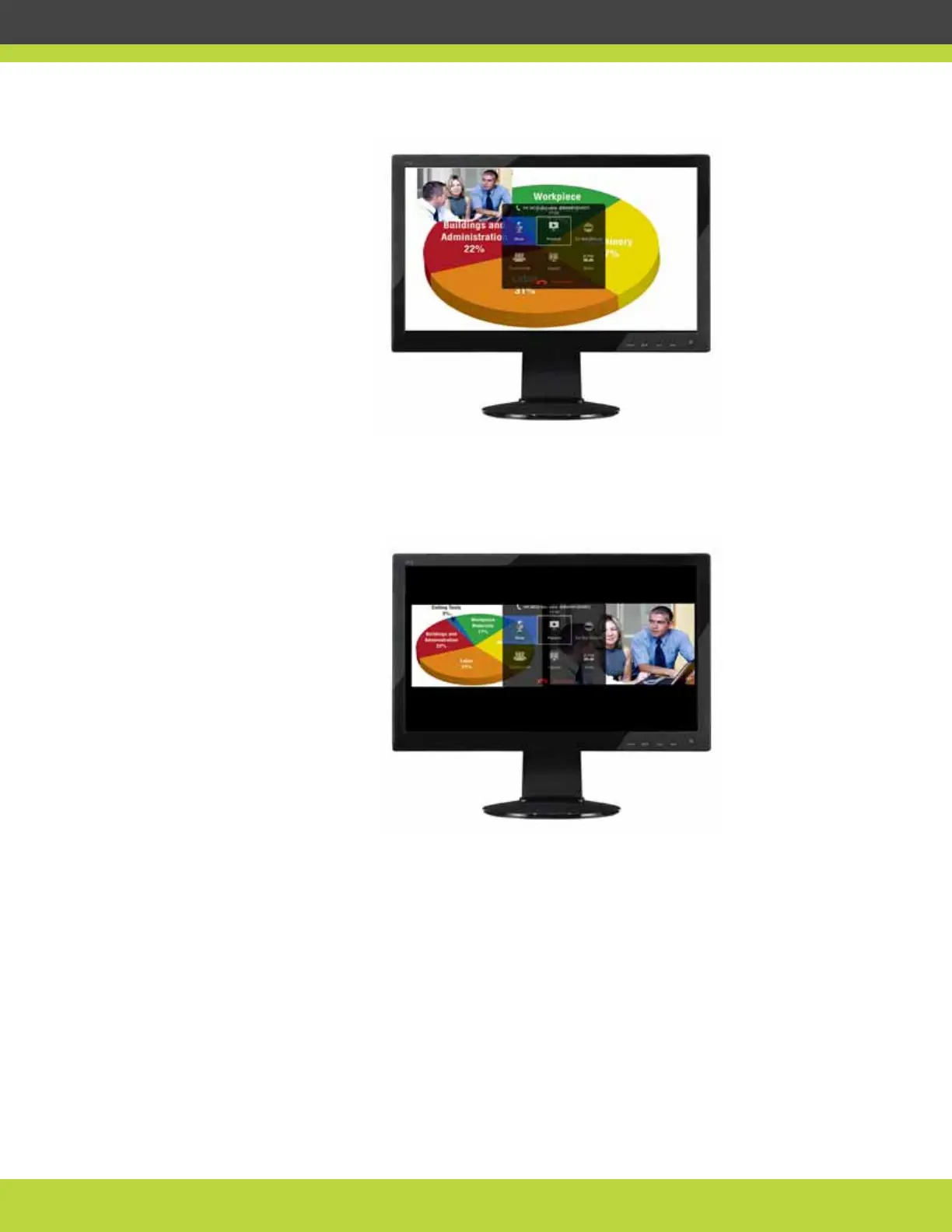
Figure 7-2 Showing the monitor in PIP view
Figure 7-3 on page 36 depicts a PaP (Picture and Picture) view in which two images are presented
side by side and at the same size.
Figure 7-3 Showing the monitor in PaP view
Figure 7-4 depicts a PoP (Picture out Picture) view in which two images of different size are
presented side by side.



 To Next Page