12 ESP-LX+ & LXi+ Installation, Programming, & Operation Guide
Set Date
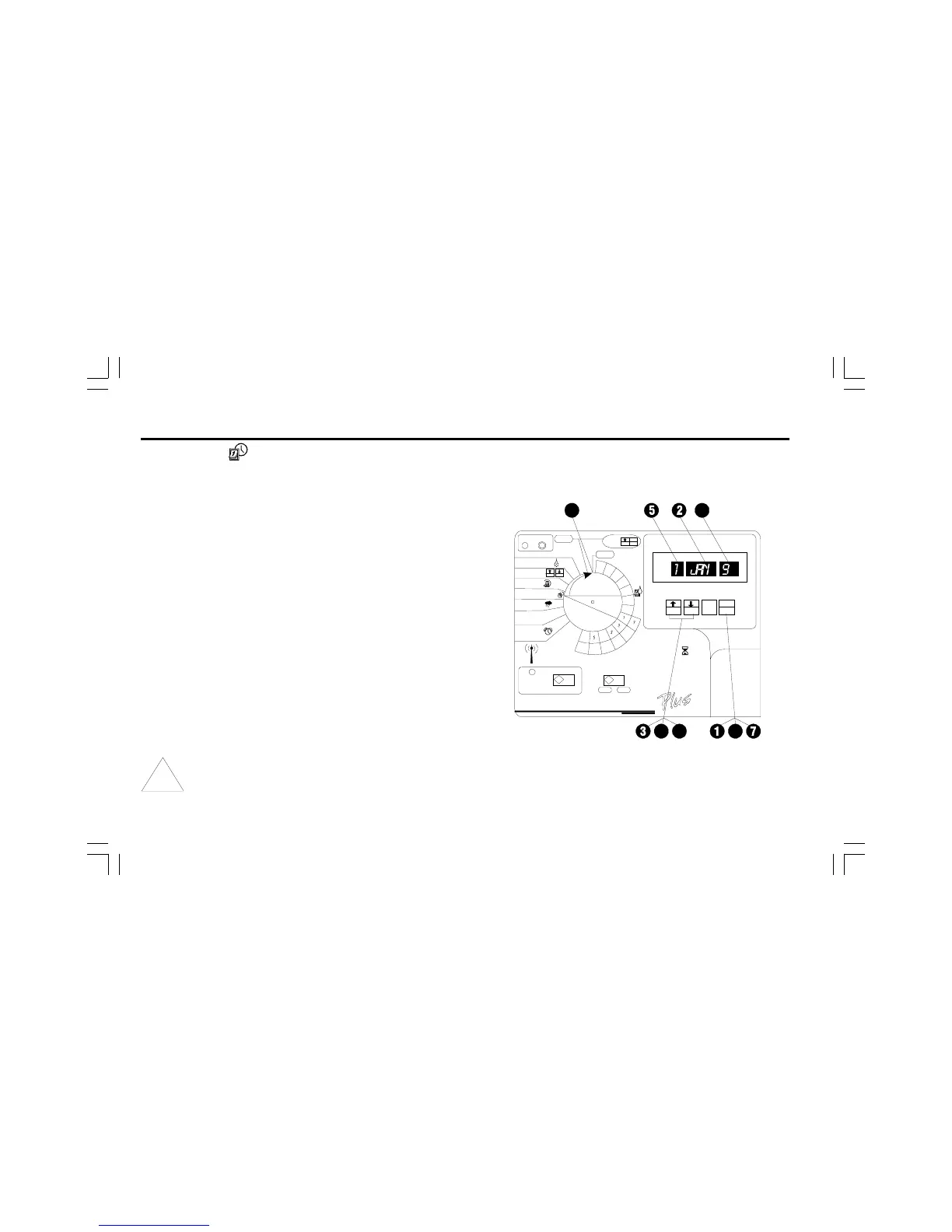
➊ Press MAN. START/ADV. until the date (1/JAN/95) shows
in the display.
➋ The month flashes in the display.
➌ Press ñ or ò to set the current month.
➍ Press MAN. START/ADV.
➎ The day number flashes in the display.
➏ Press ñ or ò to set the current day of the month.
➐ Press MAN. START/ADV.
➑ The year flashes in the display.
➒ Press ñ or ò to set the current year.
➓ You are finished setting the time and date. Turn the dial to
AUTO.
NOTE: If you do not want to water on a specific day of
the month or on the 31st of any month, see Set
Calendar Days OFF on page 29.


 To Next Page