35ESP-LX+ & LXi+ Installation, Programming, & Operation Guide
Run Station(s) Manually
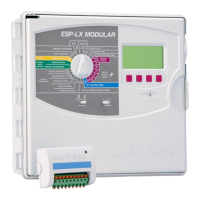
➊ On 12-, 16-, 20-, and 24-station models, set the
STATIONS slide switch to the block of stations
containing the one you want to run.
➋ Turn the dial to the station number you want in the
WATERING TIME PER STATION section of the dial.
➌ The display shows the currently selected program, the
station number, and the stations run time. If the station is
not used in the current program but is used in another
program, the word USED will appear in the display
instead of the run time.
➍ Press PGM until the display shows a run time for the
station.
➎ Press MAN. START / ADV. to operate the selected
station. If you want to run additional stations, repeat steps
3 to 5. Each station you select will run when the previous
station has ended.
➏ After selecting all the stations you want to run, turn the dial
to AUTO. The stations you have selected will operate for
their programmed run times and then shut off automatically.
➐ To cancel the manual operation of all selected stations, turn
the dial to OFF for three seconds. Then turn the dial back
to AUTO.


 To Next Page