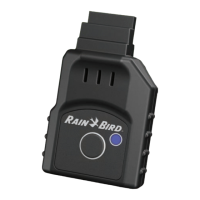
LNK2™ WiFi Module User Guide
© 2023 RAIN BIRD CORPORATION RAINBIRD.COM
12
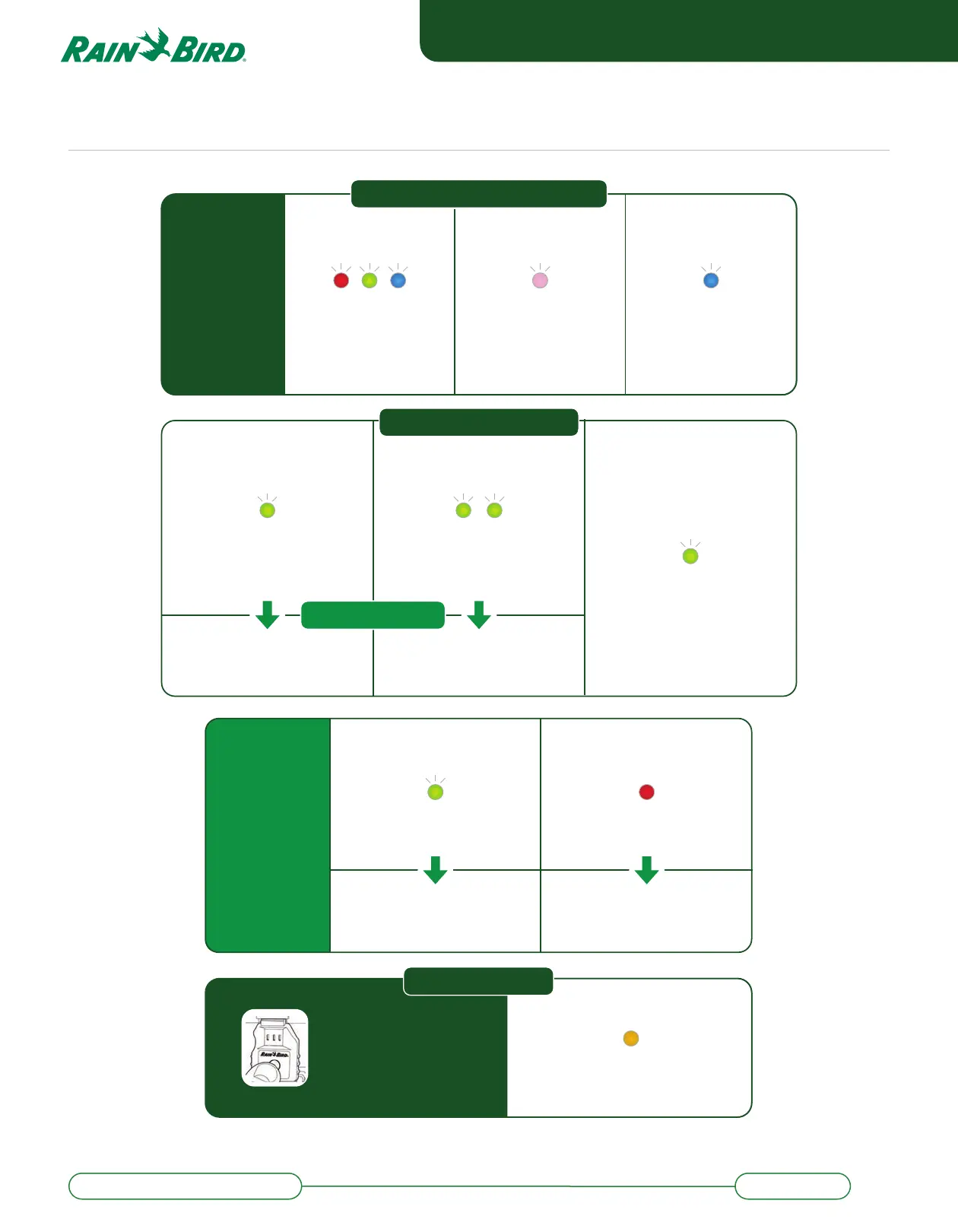
Power on device
FLASHING
SEQUENCE
Device initiating
SETUP FOR LNK2 WIFI MODULE
LNK2 WiFi Module Light Cues
BLINK
Ready for setup.
Open the Rain Bird
App and start the
guided setup process
STEADY FLASH
Preparing for
operation
Troubleshooting
SLOW STEADY BLINK
Wait 1 minute and try
connecting in the App again.
SOLID
Follow "RESET" instructions or
contact customer service at
1-800-RAINBIRD
FailureIf app is showing
error message
SOLID
Resetting to original
factory configuration
Hold down button for more
than 5 seconds (long press)
to erase all settings and reset
to factory settings
RESET PROCESS
SLOW STEADY BLINK
Success!
Connection ready
RAPID FLASH DOUBLE FLASH
Unable to connect to WiFi,
check that your local WiFi is
working correctly.
Not connected to Rain Bird
cloud server. Try to reset.
WIFI PAIRING FOR LNK2
Attempting to connect to
local WiFi network
previously set up
Searching for WiFi network
If this light mode stays in this
state for more than 15 seconds:
LNK2
TM
WiFi Module Light Cues


 To Previous Page