LNK2™ WiFi Module User Guide
© 2023 RAIN BIRD CORPORATION RAINBIRD.COM
3
LNK2
TM
WiFi Module Installation
Download the
Rain Bird Mobile App
1
2
3
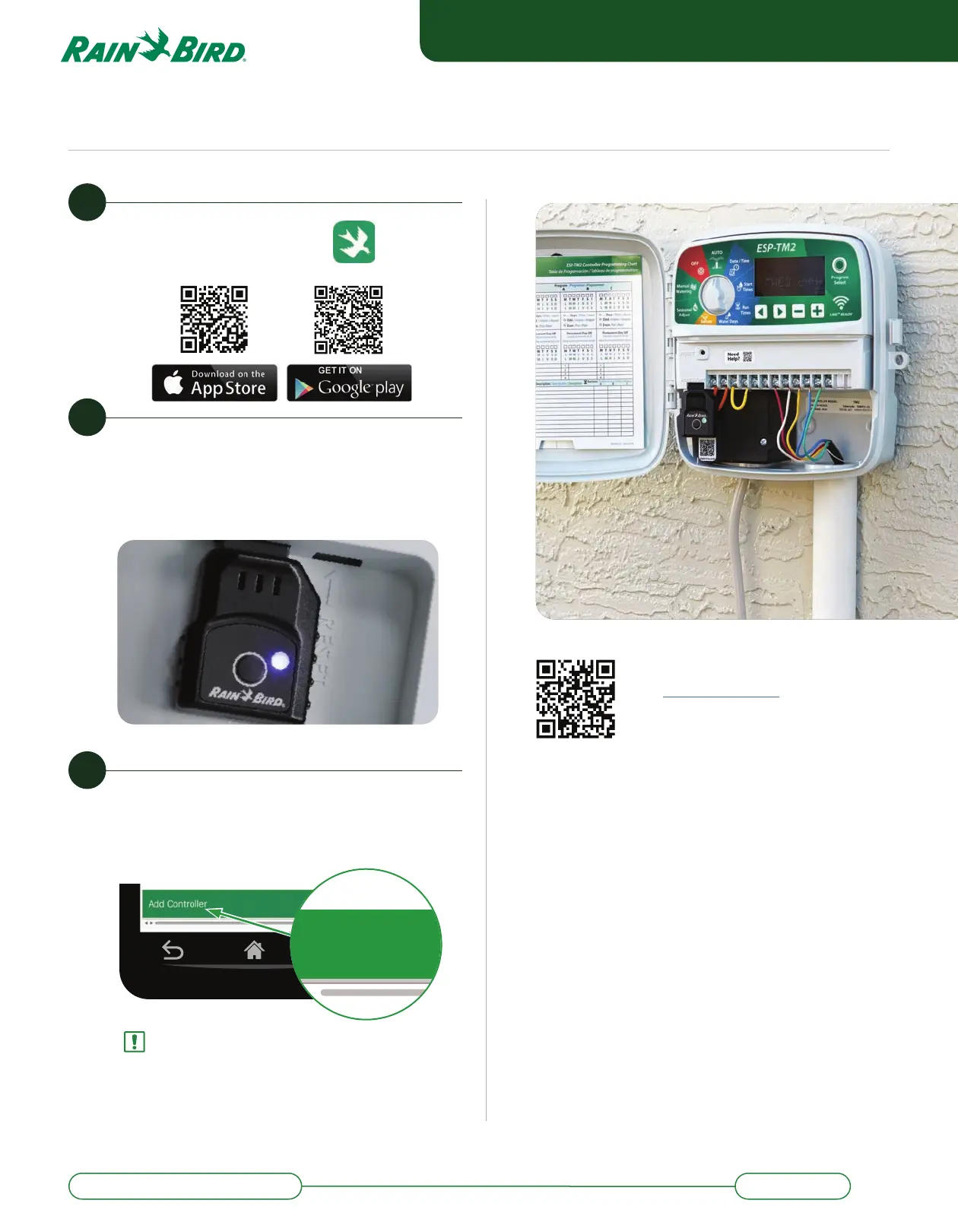
Open Rain Bird app and select
Add Controller (bo om le of
screen), then follow Setup Wizard
Add Controller
NOTE: Information you will need for setup
• WiFi network name (SSID)
• WiFi network password
• Email address
• Residence Zip Code
Scan this QR code or
visit wifi .rainbird.com
to watch setup and
support videos.
Open the Controller Front Panel
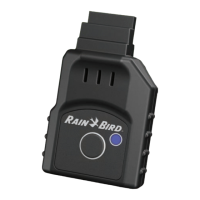
and insert the LNK2 WiFi module
into the accessory slot. The LNK2
should start blinking Blue.


 To Next Page