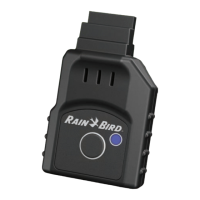
LNK2™ WiFi Module User Guide
© 2023 RAIN BIRD CORPORATION RAINBIRD.COM
5
Troubleshooting Guide
START HERE
STEP 1: Confirm Compatibility
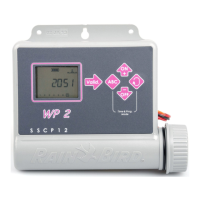
• Confirm your controller is compatible with LNK2 WiFi.
• LNK2 WiFi is compatible with Rain Bird ESP-TM2, ESP-RZXe, ESP-ME3, and ESP-ME controllers
manufactured aer November 2, 2016.
• Compatible controller will have the WiFi symbol in the front panel.
• LNK2 is also compatible with LXIVM, LXME2 and LXME2 Pro controllers.
STEP 2: Verify Network
• Verify that your network is 2.4 Ghz. Note that LNK2 is NOT compatible with 5.0 Ghz.
• Learn more here: wifi.rainbird.com/articles/if-i-do-not-have-a-2-4-ghz-network-available-what-do-i-do/
STEP 3: Check for Updates
• Be sure the Rain Bird App on your device is updated to the following version or newer
• Android: Version 2.17.12(392)
• iOS: Version 2.18.9 (2)
Scan this QR code or visit wifi.rainbird.com
to watch setup and support videos.
Call 1-800-RAINBIRD to speak with a representative Monday–Friday, 7 AM–5 PM Pacific.


 To Next Page