How to Replace the Thermocouple -V1.0 Date: 11/20/2020
- 2 / 8 -
www.raise3d.com
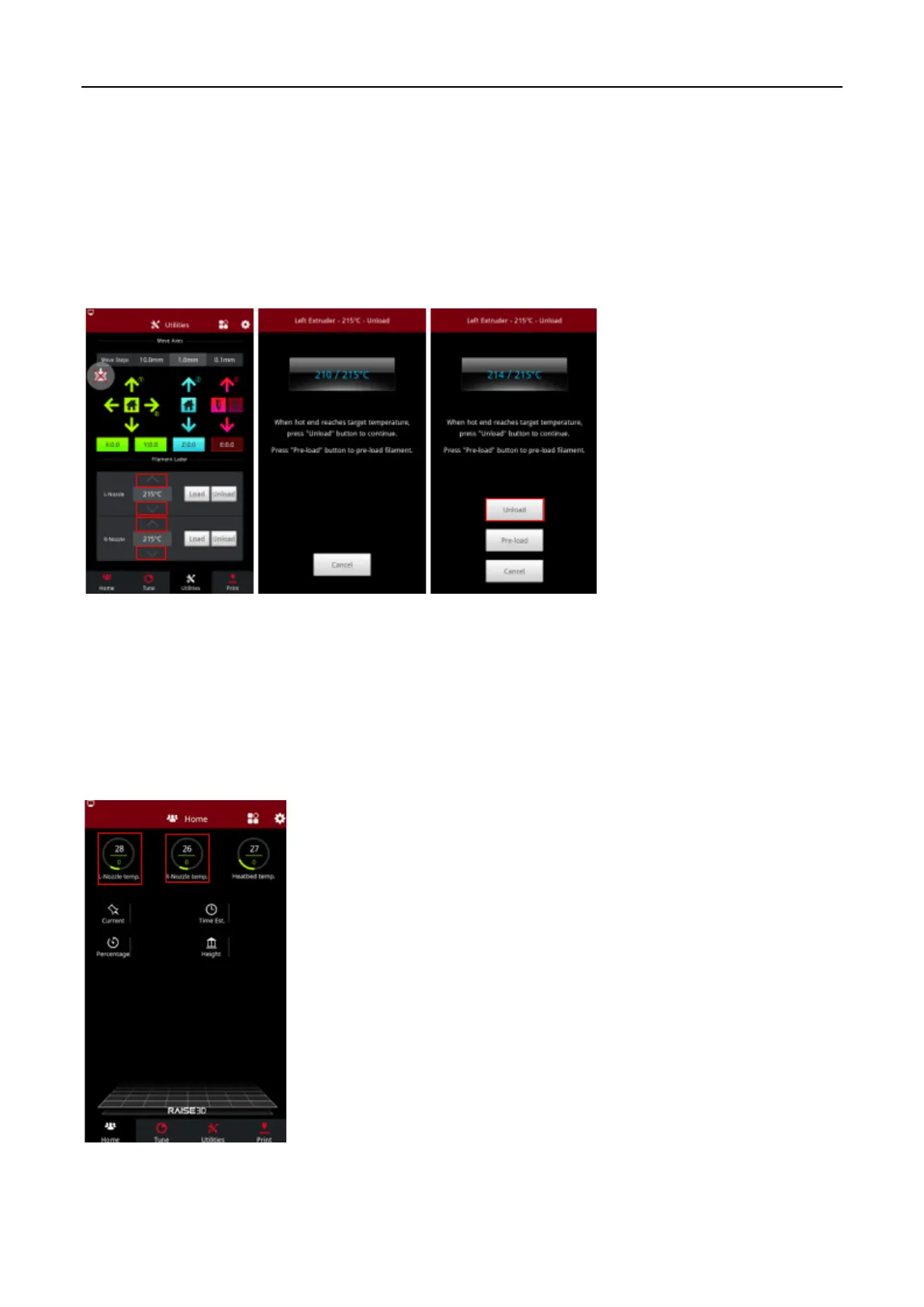
2. Unload the filament.
1) In the “Utilities” tab, verify that the temperature is the set as the recommended temperature for
your filament. (For example, 215℃ for Raise3D PLA)
2) Adjust the temperature if required. Press the “Unload” button to unload the filament.
3) The printer will begin to heat up to the designated temperature. Once the temperature is reached
the target temperature, select the “Unload” to unload the filament.
3. Cool down the nozzle.
1) In the “Home” tab, select the left nozzle temperature. In the new window, set the temperature to
“0℃”, and select “OK”. Repeat this step for the right nozzle.
2) Allow the nozzle to cool down completely before continuing the next steps.
3) When the extruders reach an ambient temperature, power off the printer.



 To Next Page