How to Replace the Thermocouple -V1.0 Date: 11/20/2020
- 3 / 8 -
www.raise3d.com
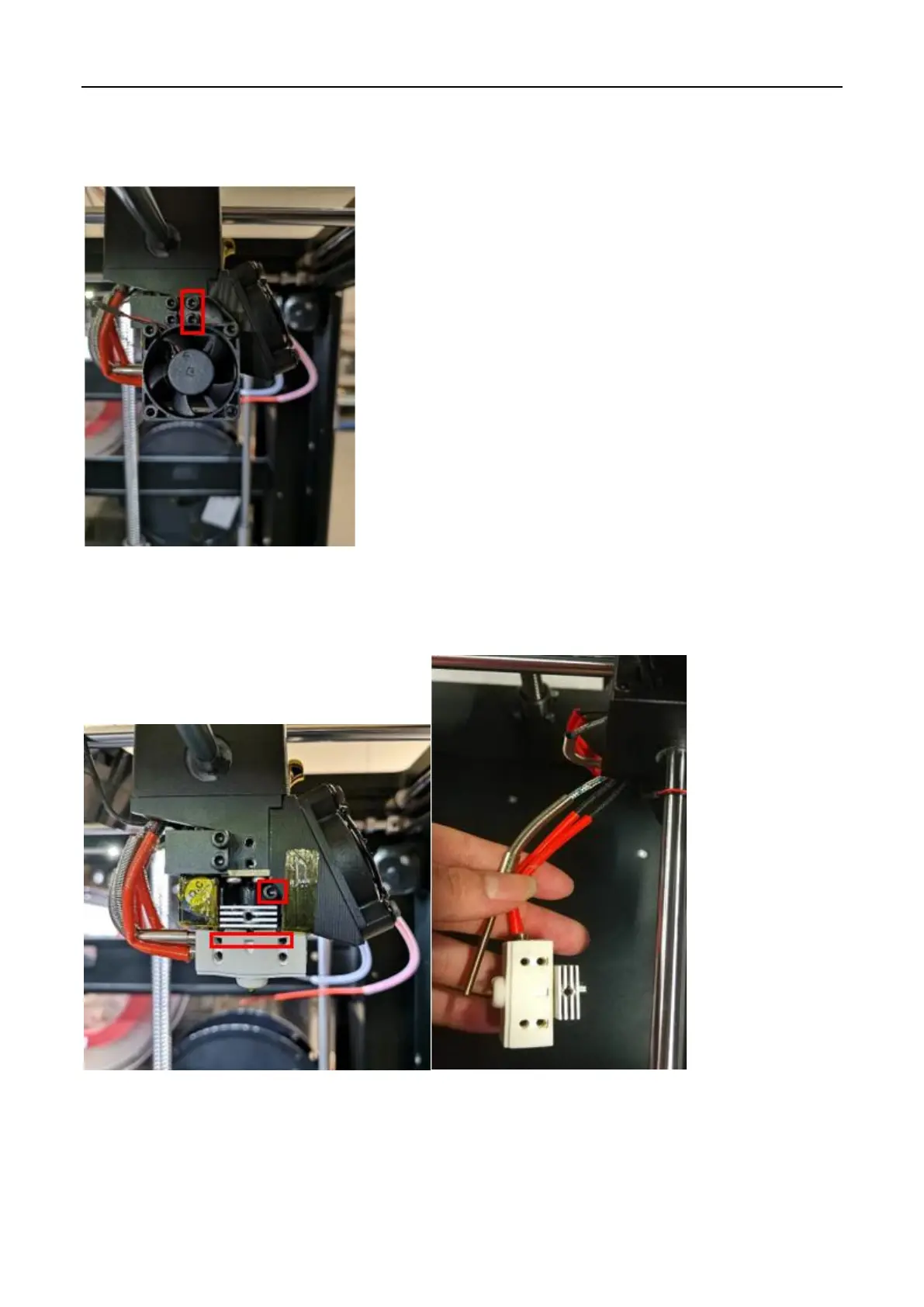
4. Remove the cooling fan.
1) Use a 2.5mm hex wrench to remove the two retaining screws of the cooling fan that corresponds
to the thermocouple you will replace.
5. Remove the thermocouple from the hotend.
1) Loosen the retaining screws inside the heating block, then loosen the screw on the collet to
remove the hotend assembly.
2) Remove thermocouple cable from extruder connection board with a flat head screwdriver.
3) Use a 2.5mm wrench to remove the two screws on the extruder connecting board.



 To Next Page