Pro3 Series 3D Printer
/ User Manual
K. Dual Color Printing - Slicing
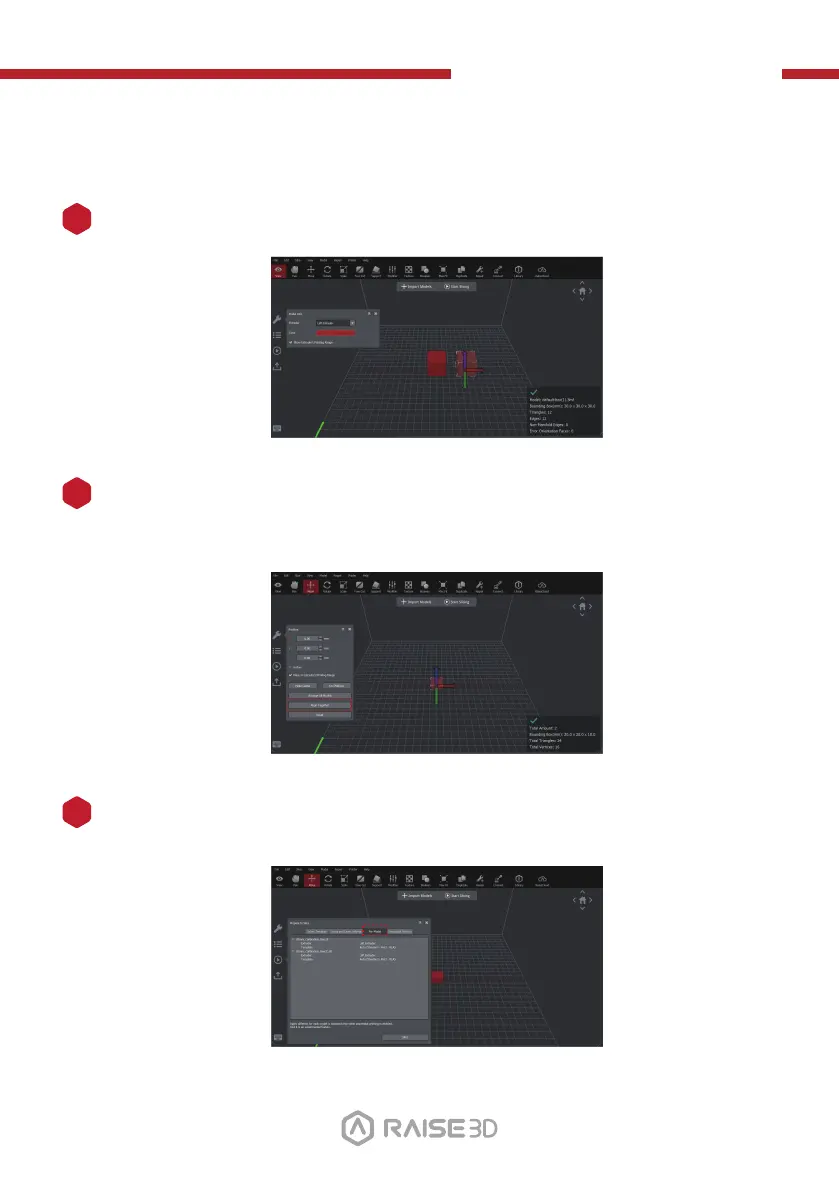
The "Align Together" feature can align multiple models to their original relative
position (as defined during modeling) with each other.
It can be located in the "Position" pop-up menu.
Multiple colors are available for different nozzles' printing range.
4
3
Select the "Start" button, select your printing template, then open the "Per-Model
Extruder" tab to set the nozzle settings per extruder.
5
32



 To Next Page