462 MULTIMEDIA
Language
After pressing the Language button on the touchscreen, the following settings will be available:
Display
After pressing the Display button on the touchscreen, the following settings will be available:
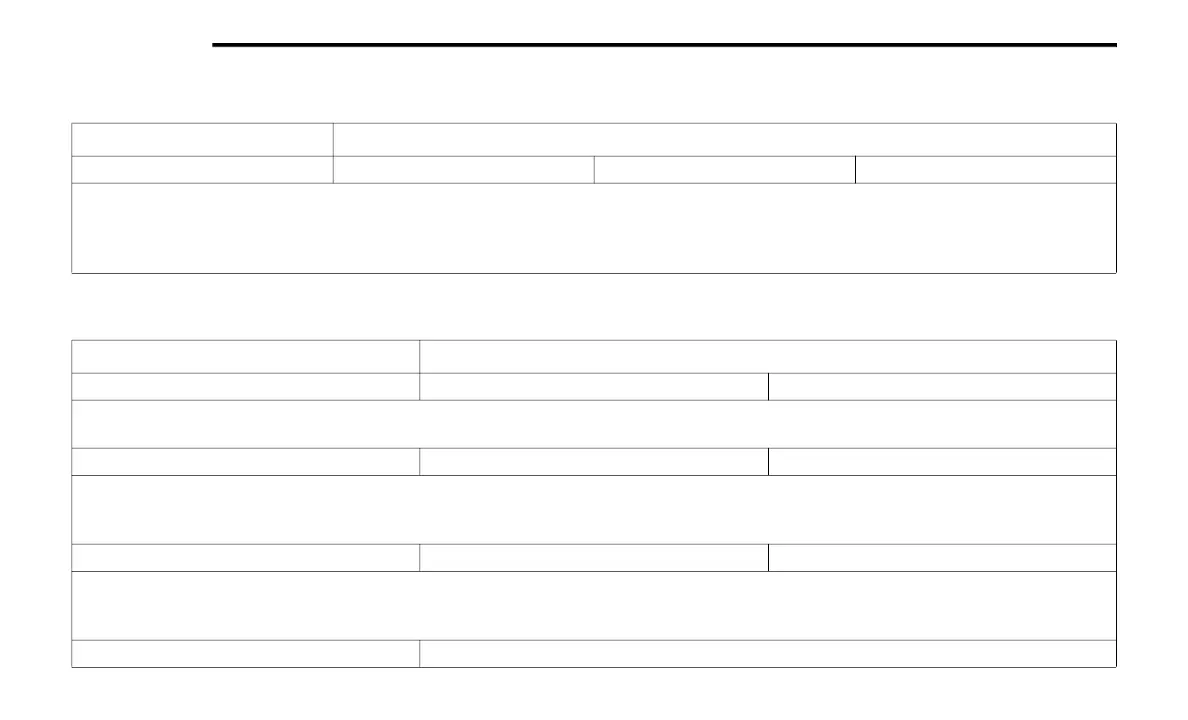
Setting Name Selectable Options
Language English (US) Español Français
NOTE:
When the “Language” feature is selected, you may select one of multiple languages (English (US) / Français / Español) for all display nomenclature,
including the trip functions and the navigation system (if equipped). Press the Set Language button on the touchscreen, and then press the desired
language button on the touchscreen until a check mark appears next to the language, showing that setting has been selected.
Setting Name Selectable Options
Display Brightness Mode Auto Manual
NOTE:
Select Auto or Manual display mode and this allows adjustment of overall screen brightness.
Display Brightness Headlight ON - +
NOTE:
To make changes to the "Display Brightness with Headlights ON" setting, the headlights must be on and the interior dimmer switch must not be in the
"party" or "parade" position.
Display Brightness Headlight OFF - +
NOTE:
To make changes to the "Display Brightness with Headlights OFF" setting, the headlights must be off and the interior dimmer switch must not be in
the "party" or "parade" position.
Set Theme Pre-configured Themes
20_DT_OM_EN_USC_t.book Page 462


 To Next Page