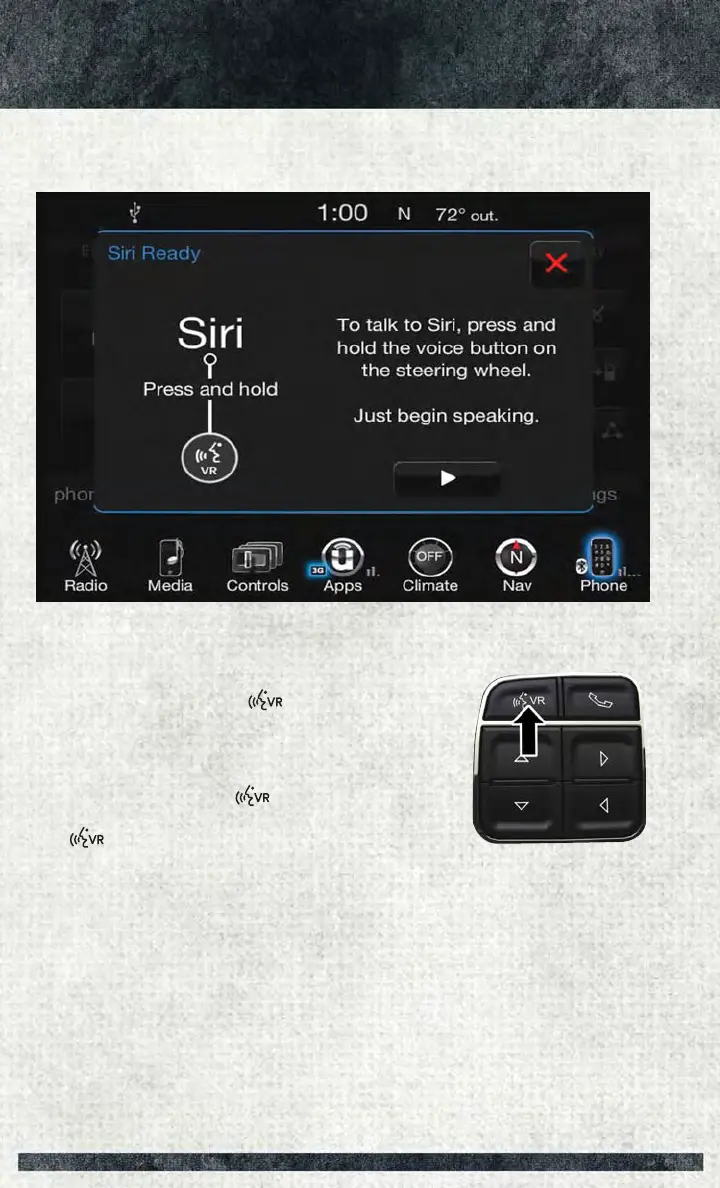
1. Pair your Siri enabled device to the vehicles sound system. Refer to “Uconnect
Phone” in “Electronics” for a detailed pairing procedure.
2. Push and Hold, then release the Uconnect Voice
Recognition (VR) button
on the steering wheel.
After you hear the familiar Siri "double beep," say a
command.
NOTE:
A push and release of the
button will start normal
embedded VR functions. The push and hold, then release of
the
button will start Siri functions.
3. After the double beep, begin speaking to Siri.
Examples of Siri commands and questions:
• "Play Rolling Stones"
• "Send text message to John"
• "Read text message from Sarah"
• "Take me to the nearest coffee shop"
Pair Your iPhone
ELECTRONICS
132



 To Next Page