USB/Audio Jack (AUX) Manual Operation
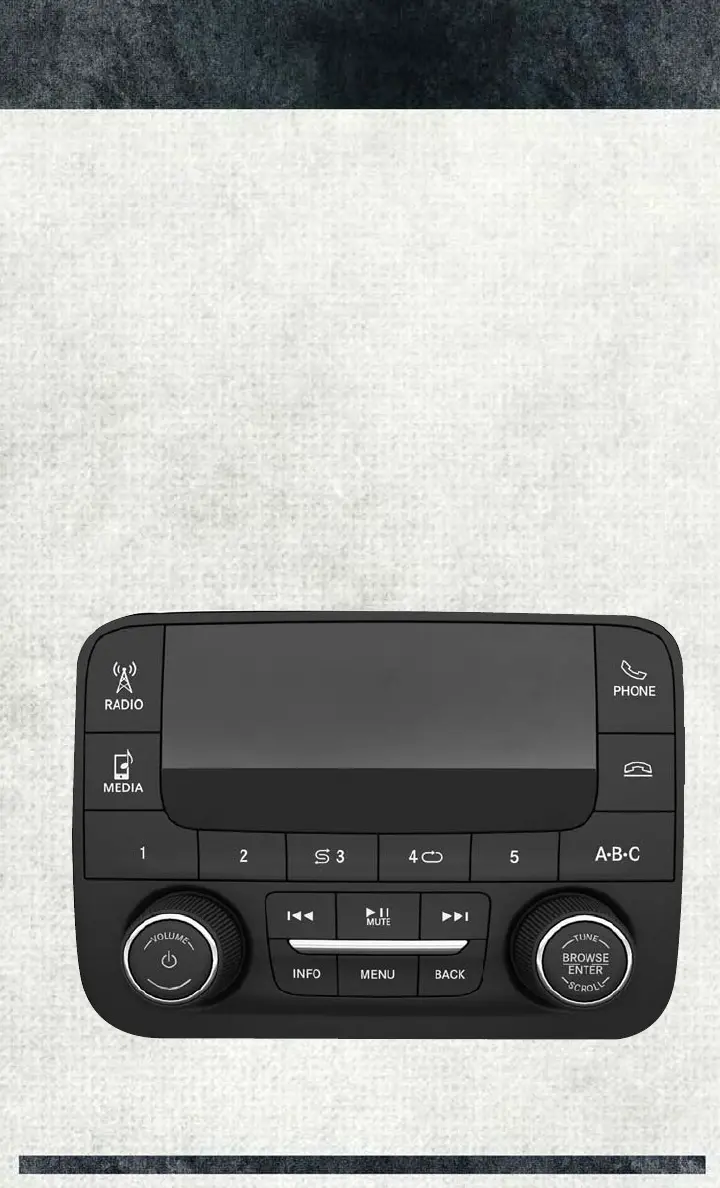
To select a specific audio source, push the MEDIA button on the faceplate and select
from the following modes:
USB/iPod
• USB/iPod Mode is entered by either inserting a USB Jump Drive or iPod cable into
the USB port or by pushing the MEDIA button located left of the display.
Audio Jack (AUX)
• The AUX allows a device such as an MP3 player or an iPod to be plugged into the
radio and utilize the vehicle’s audio system, using a 3.5 mm audio cable, to
amplify the source and play through the vehicle’s speakers.
• The functions of the device are controlled using the device buttons, not the
buttons on the radio. The volume may be controlled using the radio or the device.
UCONNECT 3.0 VOICE RECOGNITION QUICK TIPS
Introducing Uconnect
Start using Uconnect Voice Recognition with these helpful quick tips. It provides the
key Voice Commands and tips you need to know to control your Uconnect 3.0 system.
Uconnect 3.0
ELECTRONICS
95



 To Next Page