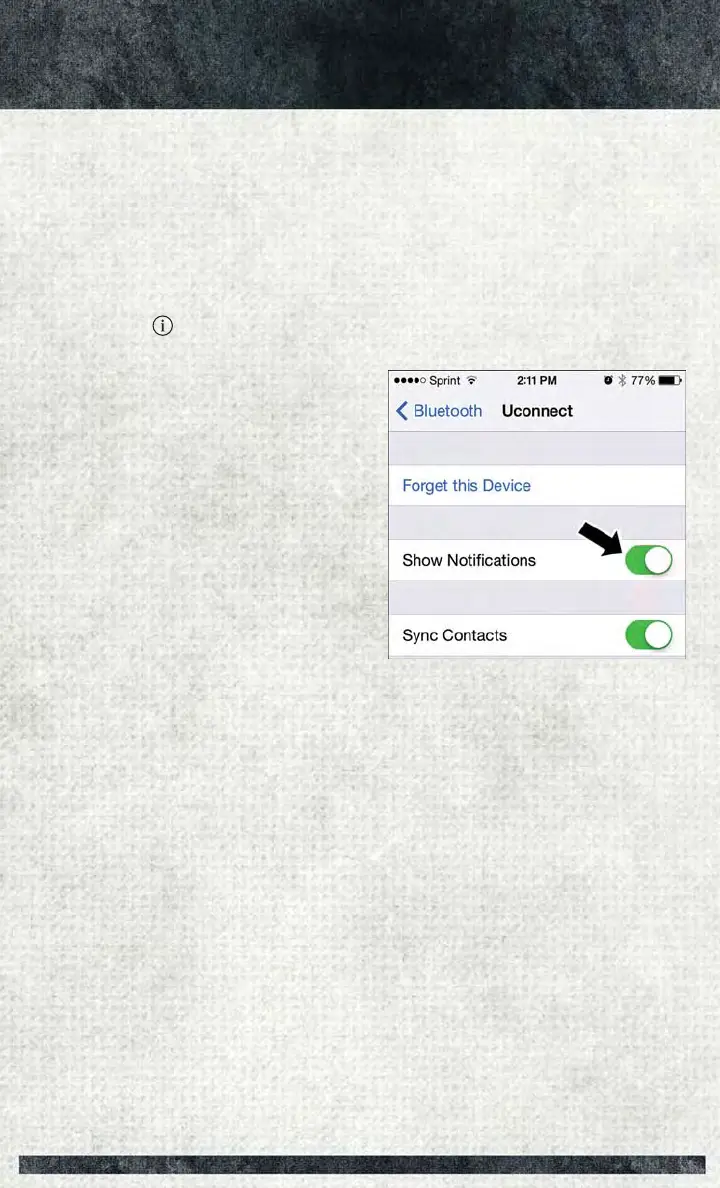
To enable incoming text messaging:
iPhone®
1. Press the settings button on the mobile phone.
2. Select Bluetooth
®
.
• Ensure Bluetooth is enabled, and the mobile phone is paired to the Uconnect
®
system.
3. Select
located under DEVICES next to Uconnect.
4. Turn “Show Notifications” to On.
Enable iPhone® Incoming Text Messages
ELECTRONICS
47















 To Next Page