9
7
TEST THE SYSTEM
After installation of the units, it is essential to perform a system alarm test to
conrm proper operation of the system. Following initial installation, wait for a
minimum of 60 minutes before starting the rst system test.
The System Test is started from the WES3 Base Station Settings Menu. The
access code is required to access the Settings Menu. The default PIN number is
1234. From the Settings Menu, select System Test to start test mode.
The WES3 Base Station will display a conrmation message that the test has
started. Walk the site to check all units in the network.
During System Test mode, the WES3 network isolates all devices in the network,
allowing full physical test of each unit, without activating the site-wide alarm.
Once the System Test is complete, return to the WES3 Base Station and press
the button to complete the test and exit System Test mode.
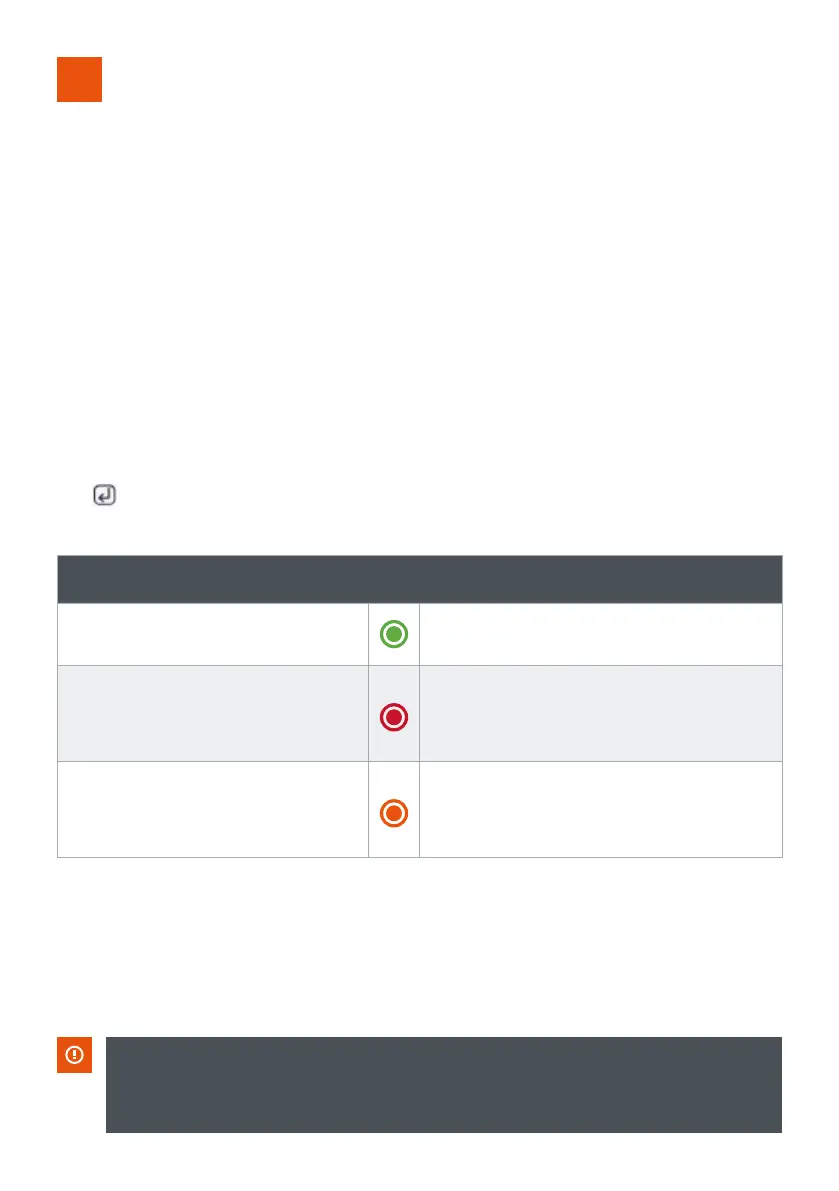
The test result is indicated as follows:
Pass
Green LED solid illumination
Radio OK, other fault
detected
Red LED ashes followed by Amber
LED group ashes to indicate fault
(see ‘Amber LED Indication’).
No Radio Signal
Amber LED group ashes to
indicate fault (see ‘Amber LED
indication’).
WES3 Base Station | RAMTECHGLOBAL.COM/WES/
It is important to be aware that, whilst in System Test mode, the WES3 network is
inactive and a site-wide alarm cannot be triggered from any unit. System Test mode
must be exited from the Base Station in order to reactivate the network.



 To Next Page