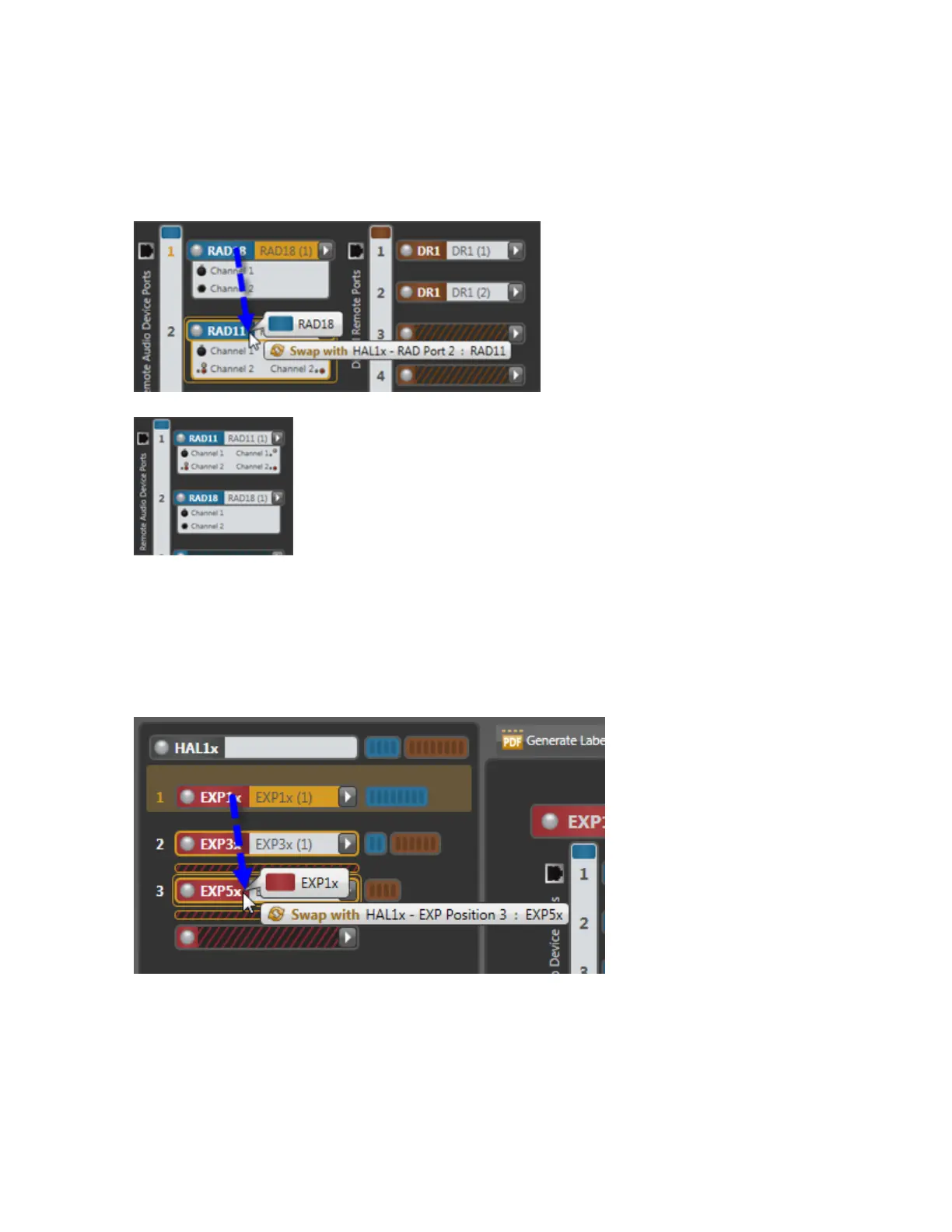
To swap RAD or DR hardware devices:
1. On the Hardware Map in the Hardware Workspace, click the title bar of the RAD or DR that you want to
move.
2. Drag the RAD or DR to the swap location and drop it there:
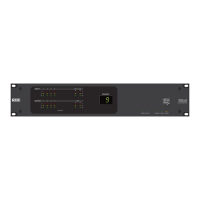
The hardware at that location moves to the original location of the RAD or DR that you are moving:
Voila! That is all you have to do to fix your mis-wired hardware. All underlying changes in the con-
figured audio stream (including control links) are made for you.
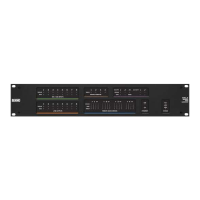
To swap EXP hardware devices:
1. On the EXPNavigation Panel in the Hardware Workspace, click the title bar of the EXP that you want to
move.
2. Drag the EXP to the swap location and drop it there:
CHAPTER 4: Introduction to the Halogen Software
99


 To Next Page