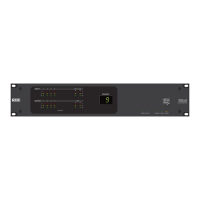
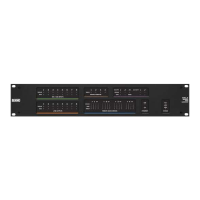
Troubleshooting RAD Devices
If a RAD is functioning properly and communicating with the HAL, all four of its LED status indicators (Power,
Comm, Audio Rx, and Audio Tx) will be green. The following table details possible causes and solutions if one or
more of these indicators are off or red. If you detect a problem with a RAD, we recommend first checking the HAL
to determine if the problem is originating there.
NOTE: It is best to check these indicators in the following order: Power, Comm, Audio Rx, and Audio Tx. If
the power isn’t working, nothing else will work. If the data communications (Comm) isn’t working, Audio
Tx will not work. If Audio Tx isn’t working, Audio Rx will not work.
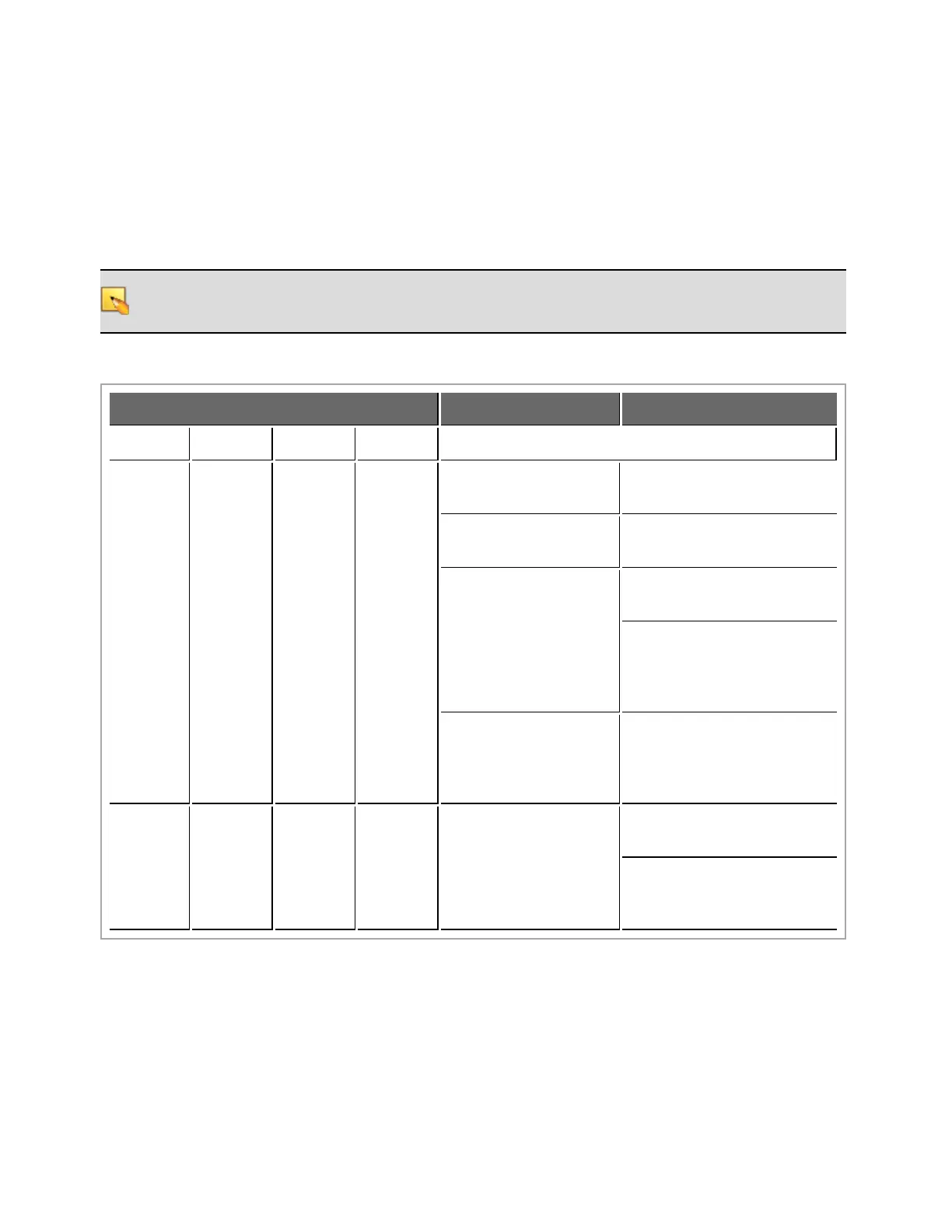
RAD Status Indicators Possible Causes Suggested Action
Power Comm Audio Tx Audio Rx
OFF OFF OFF OFF
Room is dark and LEDs
are off.
Shine a light on the RAD
front panel.
The HAL is not pow-
ered.
Power on the HAL.
A mis-wired or broken
cable is disrupting power
to the RAD.
Use a cable tester to verify
shielded CAT 5e termination.
If using a punch block, verify
that the brown pair is properly
punched. (Assuming T568B
termination).
The cable is not plugged
into a HAL.
Plugging the RAD cable into
some other device (like an Eth-
ernet switch) will not supply
power to the RAD.
RED
GREEN
or RED
GREEN
or RED
GREEN
or RED
There is excessive volt-
age drop between the
HAL and RAD.
Verify it is 24 AWG (or
heavier) cable.
Verify the cable length from
HAL to RAD has not
exceeded 150 meters.
CHAPTER 5: Troubleshooting Your HAL System Installation
103


 To Next Page