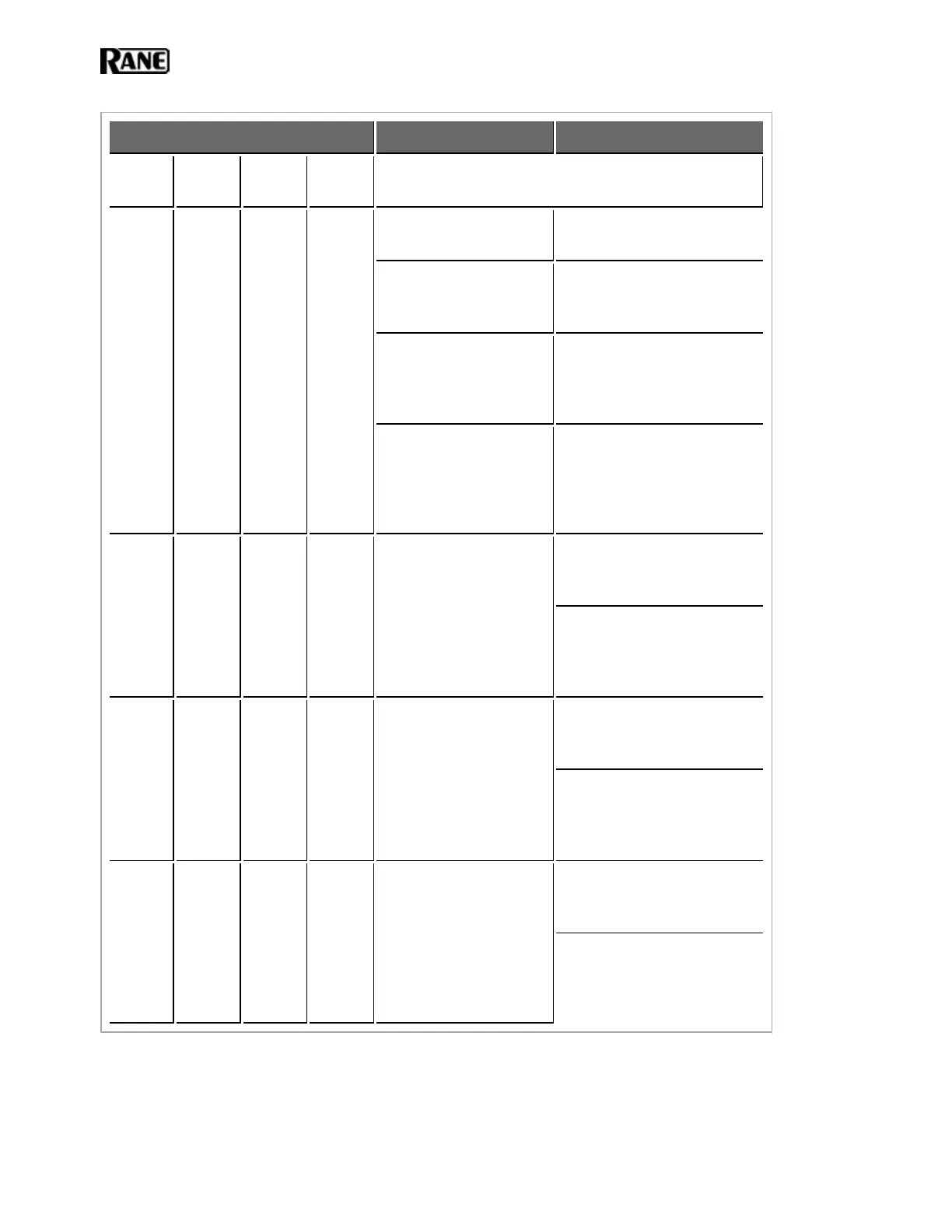
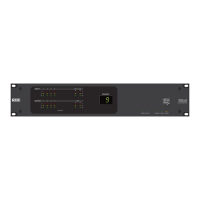
HAL Rear Panel RAD Status Possible Causes Suggested Action
Power Comm
Audio
Tx
Audio
Rx
OFF OFF OFF OFF
The HAL is not pow-
ered.
Power on the HAL and wait
for it to boot up.
A cable wired incor-
rectly is loading down
the RAD power supply.
Use a cable tester to verify
the wiring of the shielded
CAT 5e cable.
The cable is plugged
into something other
than a RAD.
If using a punch block, verify
that the brown pair is prop-
erly punched. (Assuming
T568B termination).
The power supply on
that RAD port is broken.
Plugging the RAD cable into
some other device (like an
Ethernet switch) may load
down the RAD power supply
causing the error.
ON OFF OFF
ON
/OFF
The twisted pair in the
shielded CAT 5e cable
that carries com-
munications data is
wired incorrectly or
broken.
Use a cable tester to verify
the wiring of the shielded
CAT 5e cable.
If using a punch block, verify
that the orange pair is prop-
erly punched (assuming
T568B termination).
ON ON OFF OFF
The RAD is not receiv-
ing an audio stream from
the HAL.
Use a cable tester to verify
the wiring of the shielded
CAT 5e cable.
If using a punch block, verify
that the green pair is properly
punched (assuming T568B
termination).
ON ON ON OFF
The HAL is not receiv-
ing an audio stream from
the RAD.
Use a cable tester to verify
the wiring of the shielded
CAT 5e cable.
If using a punch block, verify
that the blue pair is properly
punched (assuming T568B
termination).
HAL SYSTEM INSTALL GUIDE
102


 To Next Page