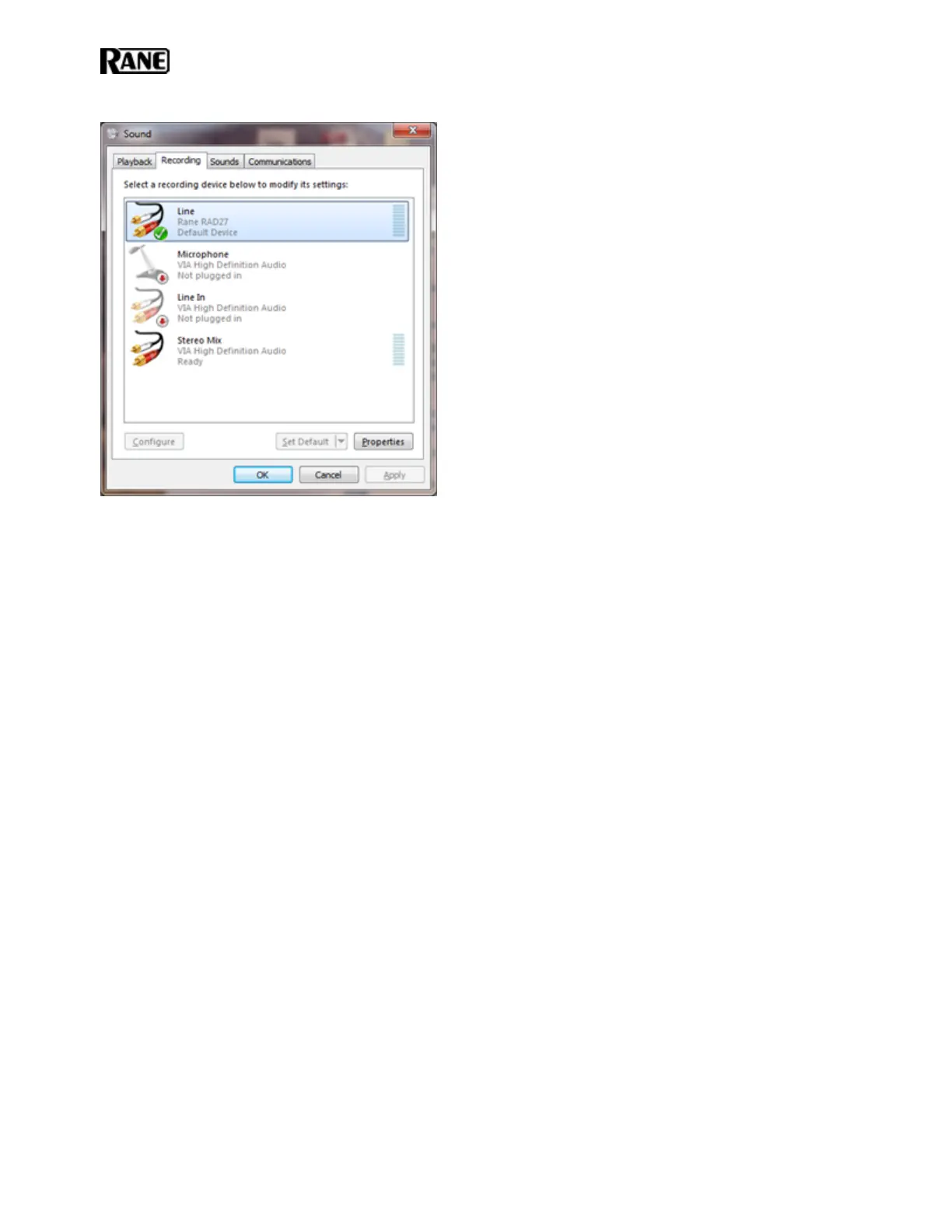
Select the Rane RAD27 device and click the Set Default button.
Windows will automatically switch a running application to the newly selected RAD27 default device.
Remember that Windows likes to play different bleeps and bloops when updates install, devices are plugged in
and unplugged, or other operating system events happen. If you do not want these sounds played into your
RAD27, turn off Windows system sounds.
You can set this by navigating the following path opening the Sound control panel dialog before. For example:
Start > Control Panel > Sound
Then click on the Sounds tab, then in the Sound Scheme drop down list select No Sounds:
HAL SYSTEM INSTALL GUIDE
42


 To Next Page