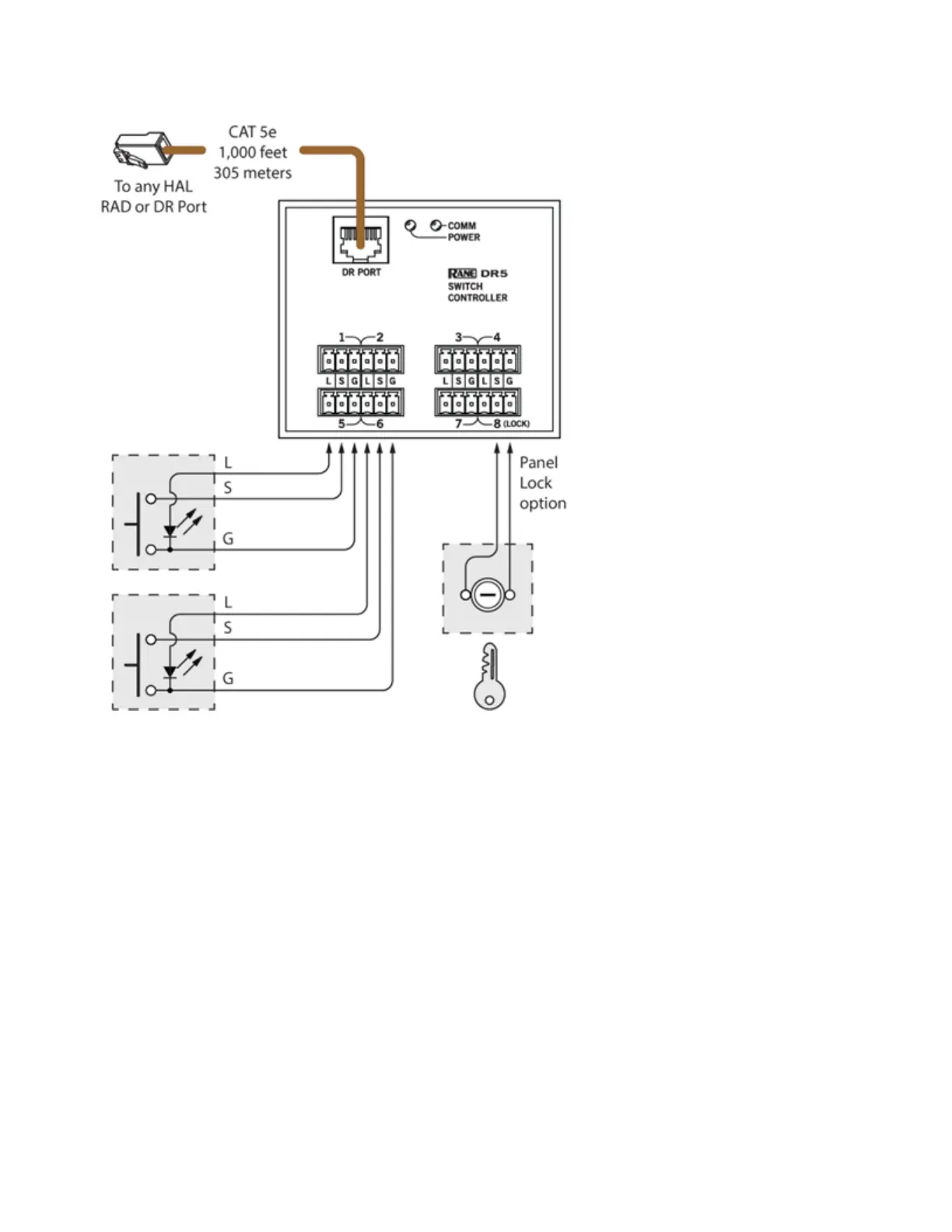
Once you have configured the DR5 in the Hardware Workspace, Toggle controls appear in the HWControl pal-
ette of the Processing workspace. You can then link each control to any other Toggle control in your system. The
following diagram shows the Control palette and a corresponding Toggle control for the DR5 and how to link it
to a wall toggle control in a Room Combine block. It also shows a portion of the DR5 property dialog from the
Hardware Workspace showing Toggle (9) configured as a Momentary Toggle.
CHAPTER 2: Hardware Component Details
69


 To Next Page