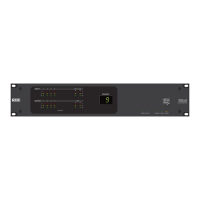
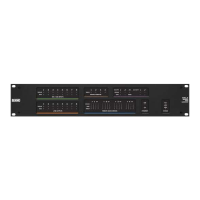
behavior. At this point, HAL begins the update of its peripheral devices.
l
EXP—LEDs on front of EXP display a racing pattern. The racing pattern ceases when the update is
complete.
l
RAD—LEDs on front of RAD display a racing pattern of green lights; RAD port LEDs on the
front panel of HAL orEXPalso display a racing pattern. The racing pattern ceases when the
update is complete.
l
DR—Backlight is off, progress bar displays on LCD screen along with the text Updating firmware
.... The DR screen displays Connecting ... when the update has completed. On the HAL or EXP,
the DR port LED blinks, then ceases when the update is complete.
WARNING! A HAL update can take up to ten minutes to complete. Of course, during the
update the audio system does not function. Therefore, it is best to perform a firmware update
during off hours or a scheduled downtime.
For more information about HAL firnware update, see Understanding the HAL Firmware Update
Process.
CHAPTER 4: Introduction to the Halogen Software
93


 To Next Page