33
WATER: Is set to what type of water you are about to dive in
(SALT= Sea water, FRESH= lake water)
ATTENTION:
The dive computers measure the pressure and convert it depth using the water density as constant.
Without the SALT/FRESH setting the depth reading might be altered (If you dive in fresh water with
WATER=SALT setting the depth detected by the iDive will be lower than the real one, vice versa if you dive in salt
water with WATER=FRESH setting the depth detected will be higher than the real one.)
DIVE MODE: It sets thedefault type of dive.
In case you enter water with the device switched off or in the main screen:
SCUBA: the iX3M begins a dive with tanks
GAUGE: the iX3M begins a dive with depth gauge.
FREE: the iX3M begins a free dive.
Attention: For safety reasons, it is NOT possible to set the FREE mode as main
mode if at least 12 hours have passed from your last SCUBA or GAUGE dive. The
RATIO iX3M sets automatically the SCUBA mode if trying to force the dive with
the main mode set on FREE.
A
b
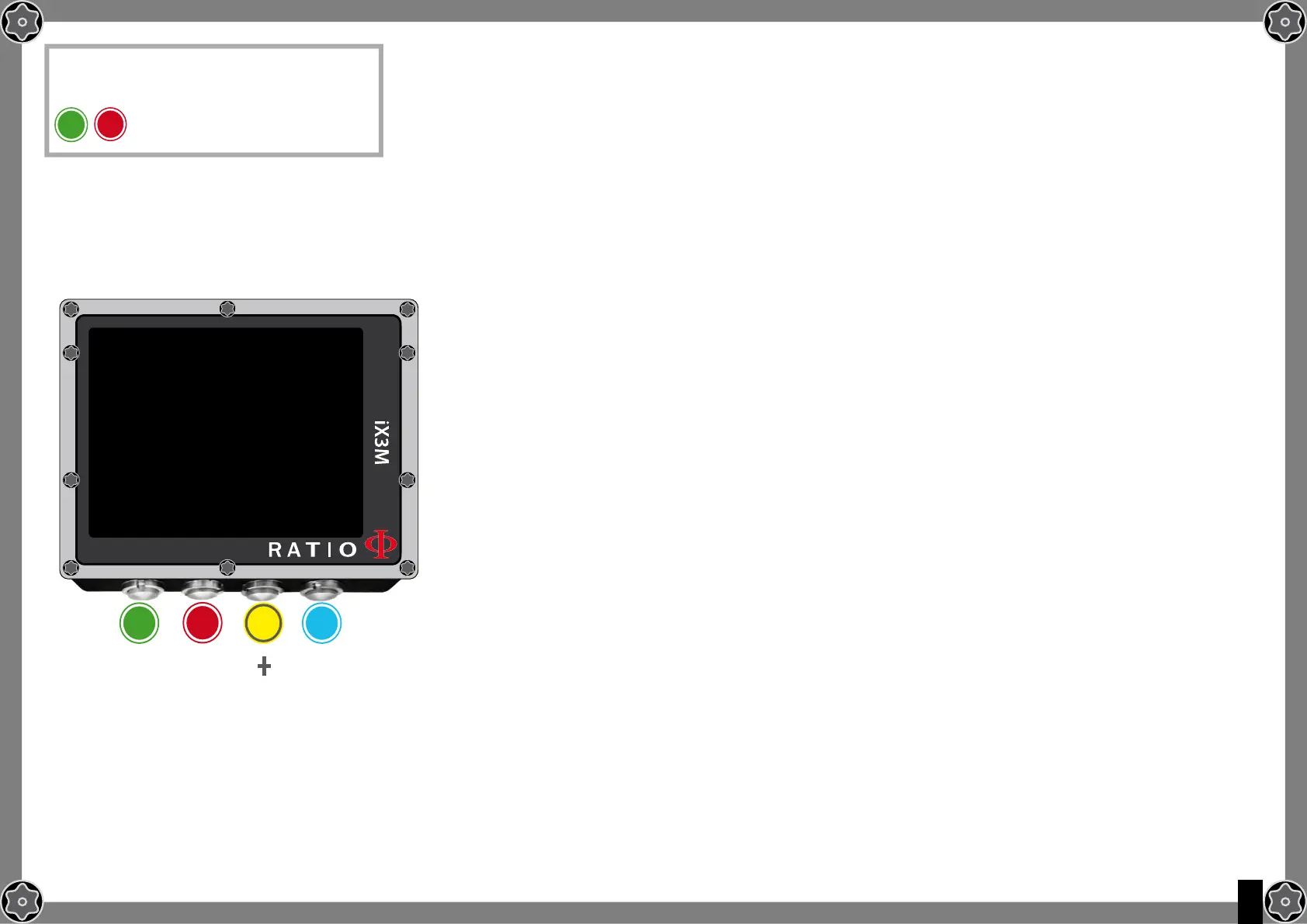
To reach this menu from the main
screen press in sequence:
DIVE SETTINgS
ALGORITHM:
GFL/GFH:
S.STOP TIME:
S.STOP DEPTH:
DEEP STOP:
WATER:
DIVE MODE:
b
A C D
ExIT
NExT
ENTRY
+
_
BUL
93/93
3
5
OFF
SALT
SCUBA



 To Next Page