30
PLAN OVERVIEW
The plan overview screen displays the full plan. Each plan consists of field regions,
lines, and offsets specific to that field. From this page, the user can add, edit, or
remove regions. Any changes to the regions will be reflected in the plan overview
screen.
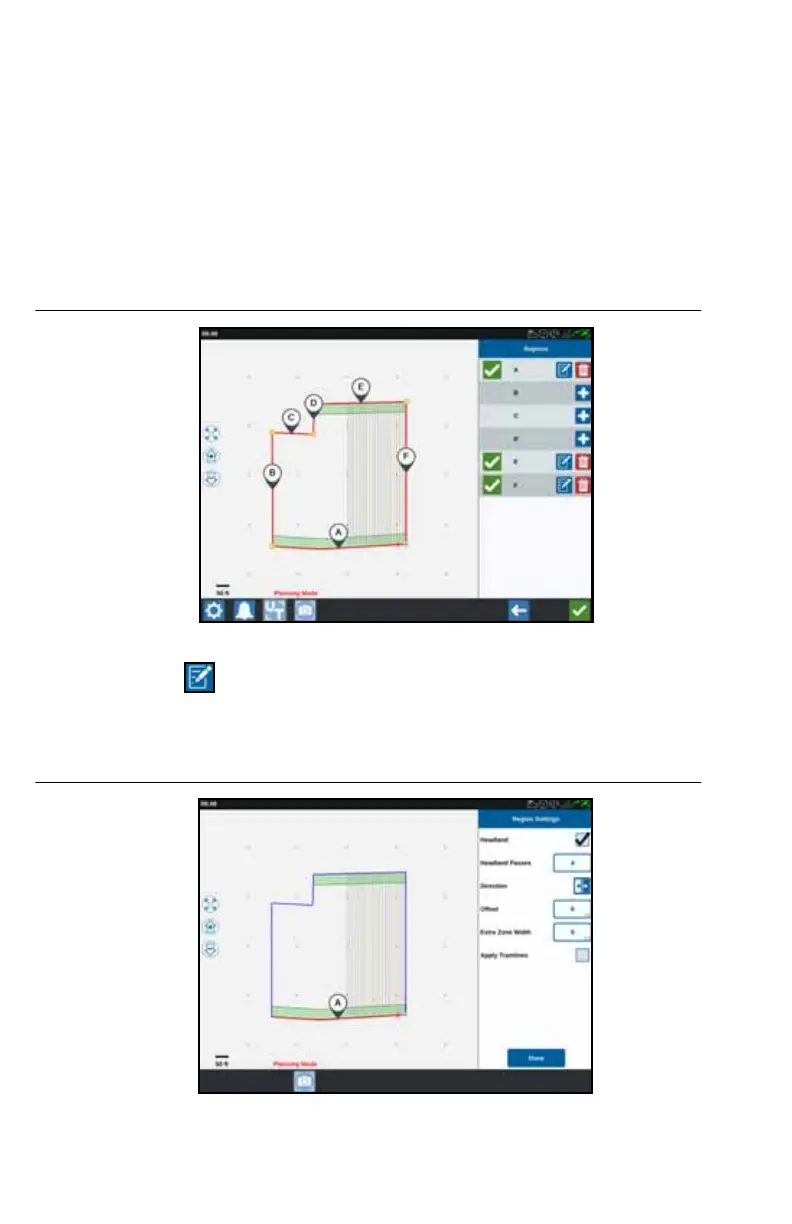
1. Press the Add button to the right of the desired baseline. The first baseline
selected will generate the guidance line for the main or center field region.
Additional baselines will be added in headland regions.
FIGURE 14. Create Regions
2. Press the Edit button to modify a region.
3. Adjust the desired settings.
FIGURE 15. Region Settings



 To Next Page
 Loading...





