56
LOAD A PRESCRIPTION MAP
1. Place the prescription map file (this will be a .dbf, .shp, .shx file) on a USB drive.
Do not create subfiles for the prescription maps.
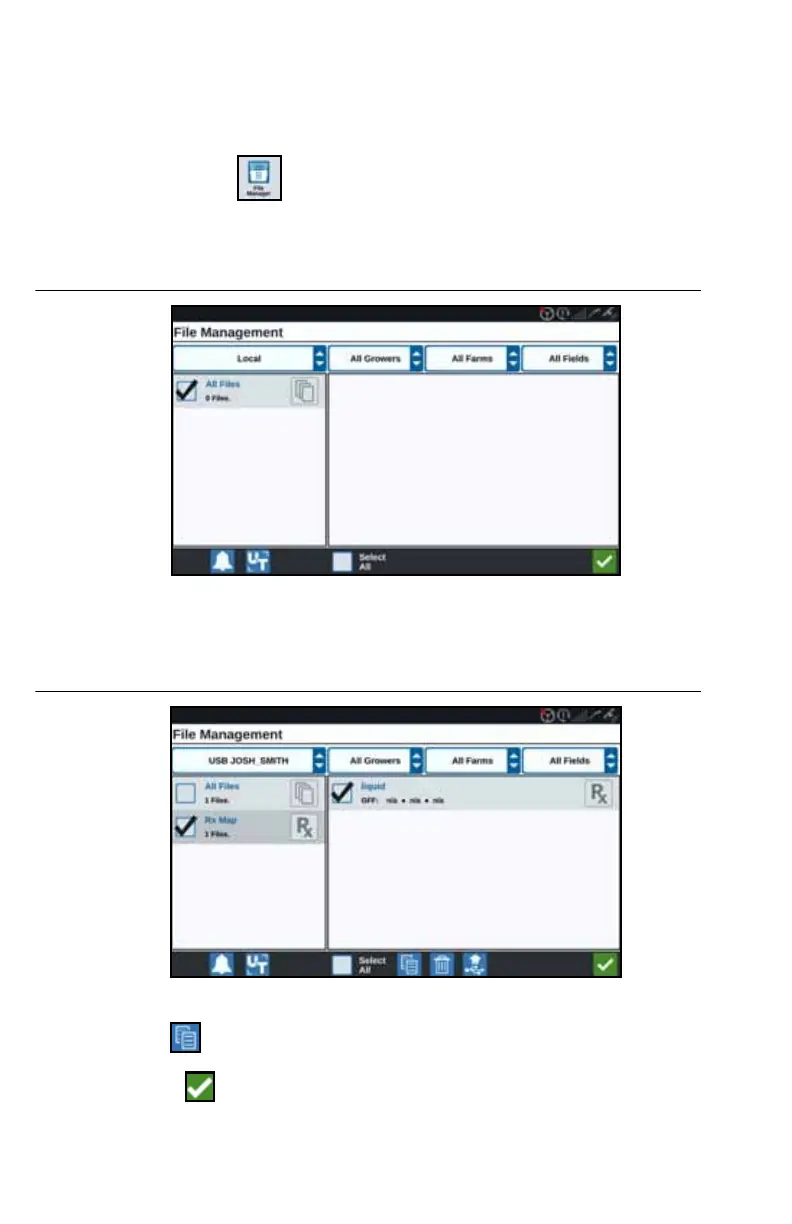
2. Insert the USB drive into the CRX.
3. Select File Manager on the settings page.
4. Select the desired USB drive from the left-most drop down.
FIGURE 30. File Management All Files
5. Select the desired prescription map from the list.
FIGURE 31. File Management RX Map
6. Select Copy .
7. Select Accept . A Copy Files window will open.



 To Next Page
 Loading...





