Install Raven Desktop
3.1 Visit Raven.com/Desktop to download the latest version of Raven Desktop.
3.2 Complete the download and installation of Raven Desktop on your computer.
3.3 Sign up for a free Raven account, or log in with existing Raven account credentials.
Connect to Power/Computer
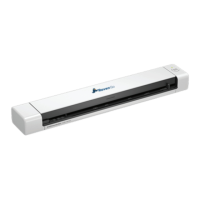
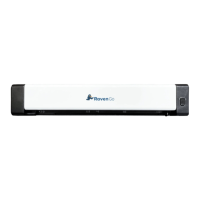
4.1 Connect the micro USB connector to the USB port of the scanner.
Connect the other USB connector(USB A Side) to the USB port on your computer.
12 support@raven.com | 1-800-713-9009 | raven.com/support


 To Next Page