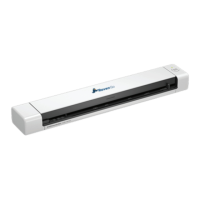
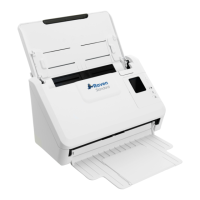
Calibrating your Raven Go Duplex
Calibrating the Raven GO is only needed if your scanned images look fuzzy, the color
looks abnormal, after 8,000 Scans, or if the scanner has been stored for long use
without being used.
Calibrating the Raven Go will reset the Contact Image Sensor to resume its color and
sharpness.
(Coming soon to Raven Desktop)
Calibration Steps - Windows
1. Click the Windows Start button
2. Scroll through your Programs and Apps to Raven_GO Scanner and click the drop
down arrow on it.
3. Select Capture tool.
4. On the Capture tool select Twain & Raven_Go and click OK.
5. Next select Setup in the top left hand corner.
28 support@raven.com | 1-800-713-9009 | raven.com/support


 To Next Page