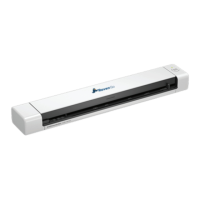
6. Then click on the settings(1) tab at the top and click the Calibration button(2).
7. (1)Once Calibration has been successfully clicked you will be presented with a
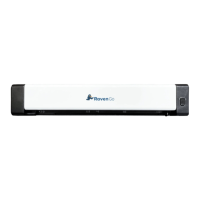
dialogue box informing you to insert your calibration sheet(comes with the Raven
Go) into your Raven GO Scanner. (2)You will insert the calibration sheet text
face-up and the white part of the sheet first into the GO Scanner.
1.
2.
29 support@raven.com | 1-800-713-9009 | raven.com/support


 To Next Page