PART I. User & Installation Manual
1417WCE 57
3.1.5 SW Set Up
1. Connect the detector and turn on the power. For wired mode, you can connect the detector
to either power supply or RAP001A using the link cable.
2. Choose the station mode/AP mode by pressing and holding the mode button. Wired mode
will be selected automatically when connected using the link cable.
LED LED Color Mode
MODE
Orange Station mode (Wireless)
Green AP mode (Wireless)
None Wired Mode
Blinking Orange and Green
alternatively
Sleep Mode
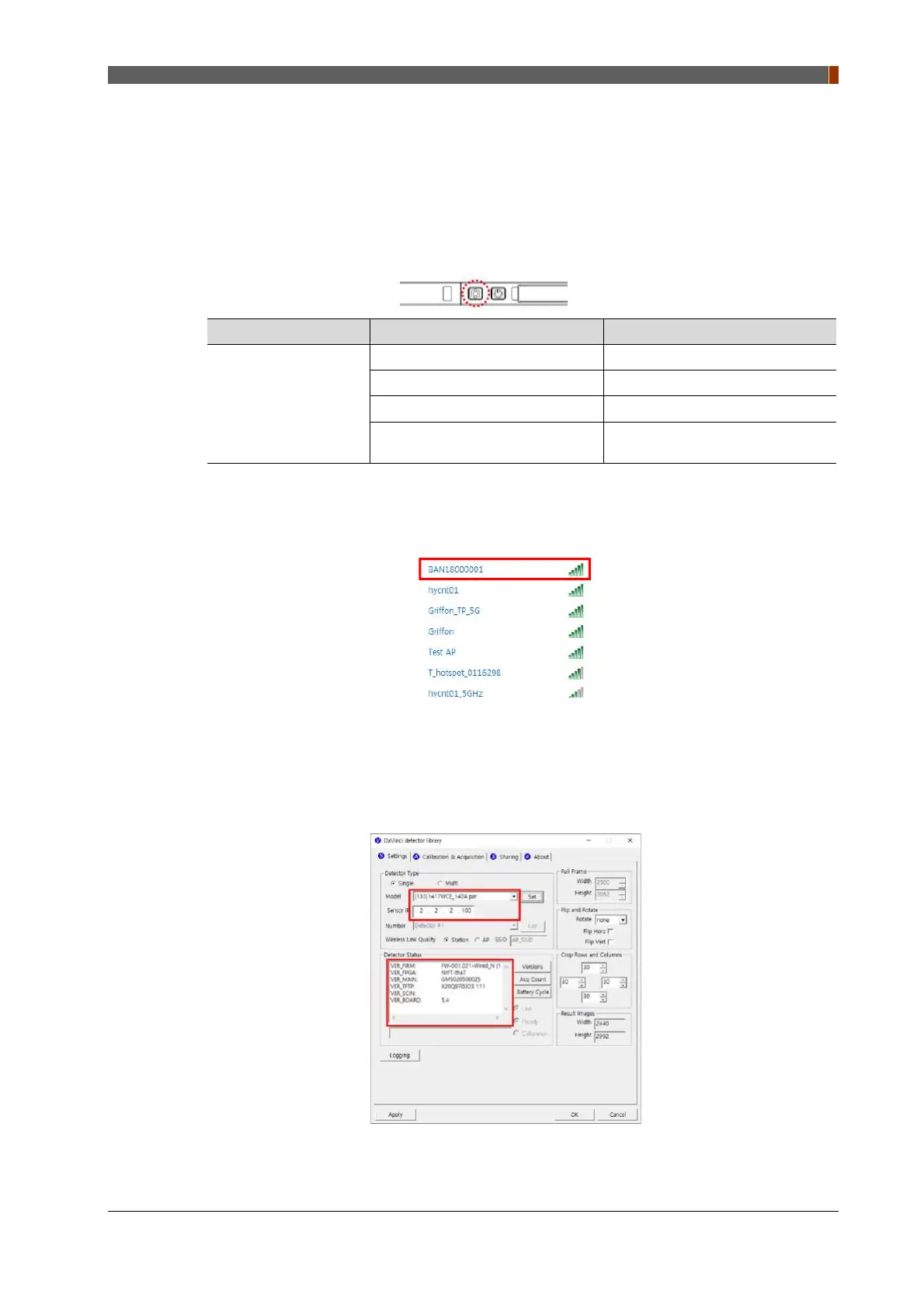
3. For AP mode, choose the SSID (serial number of the detector) from “Wireless Network
Connection” list. (PW: project302)
4. Open “_vadav.lnk” from “C:\Davinci”.
Once the program is opened and the detector is connected, “LINK” LED light from the
detector will blink and the “Detector Status” will display information of the detector as below.



 To Next Page