CompatibleL
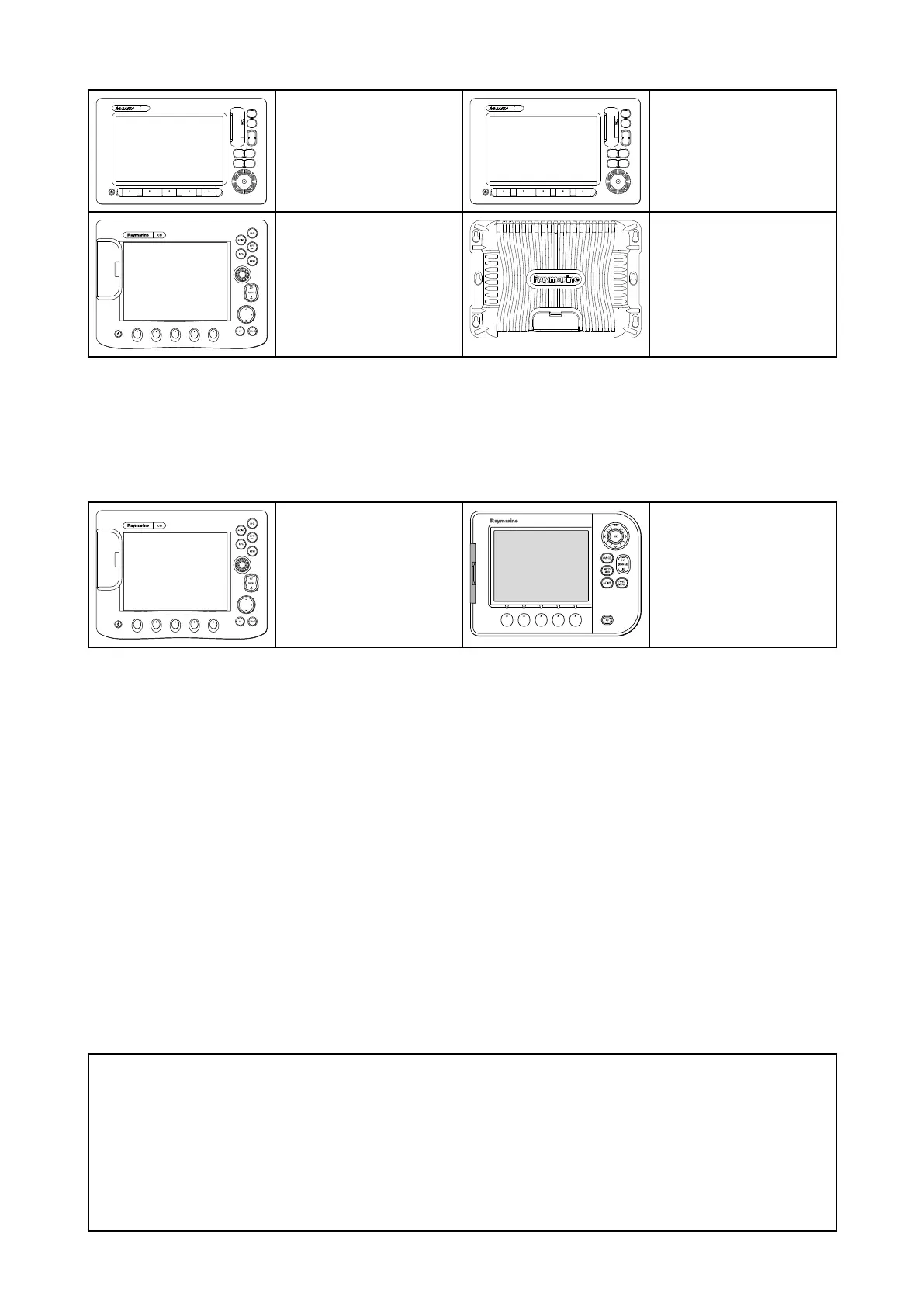
egacyMFDs
E-SeriesWidescreen C-SeriesWidescreen
E-SeriesClassic G-Series
2.4IncompatibleMFDs
ThisproductisNO TcompatiblewiththefollowinglegacyRaymarinemultifunctiondisplays.
LegacyMFDs
C-SeriesClassic A-SeriesClassic
2.5Softwareupdates
R aymarineperiodicallyreleasessoftwareupdatesforitsproducts.Theseupdatesprovidenew
features,currentfeatureenhancementsandbugfixeswhichimprovesproductperformanceand
usability.
ChecktheRaymarinewebsite:ww.raymarine.com/softwareregularlytoensureyouhavethelatest
softwareforyourproducts.
ThesoftwareupdateprocessrequiresacompatibleMFD,poweredbyLightHouse™2release13.37
orabove,orLightHouse™3versionLH3.2orabove.
•PleaserefertotheoperationinstructionsforyourMFD/operatingsystemversionfordetailson
howtoperformthesoftwareupdate,alternativelyrefertotheinstructionsprovidedonthesoftware
downloadareaforyourproductontheRaymarinewebsite:ww.raymarine.com/software.
•TheMFDusedtoperformthesoftwareupdatemustbethedesignatedDatamasterandbe
connected/networkedtotheproductbeingupdated.
•Ifyouareinanydoubtastothecorrectprocedureforupdatingyourproductsoftware,pleaserefer
toyourlocalauthorizeddealerorRaymarinetechnicalsupportforassistance.
Caution:Installingsoftwareupdates
Thesoftwareupdateprocessiscarriedoutatyourownrisk.Beforeinitiatingthe
updateprocessensureyouhavebackedupanyimportantfiles.
Ensurethattheunithasareliablepowersupplyandthattheupdateprocess
isnotinterrupted.
DamagecausedbyanincompleteupdateisnotcoveredbyRaymarinewarranty.
Bydownloadingthesoftwareupdatepackage,youagreetotheseterms.
14



 To Next Page
 Loading...










