are subject to change based on the current software version, connected device(s),
and supported apps and software.
SYNAPSE TAB
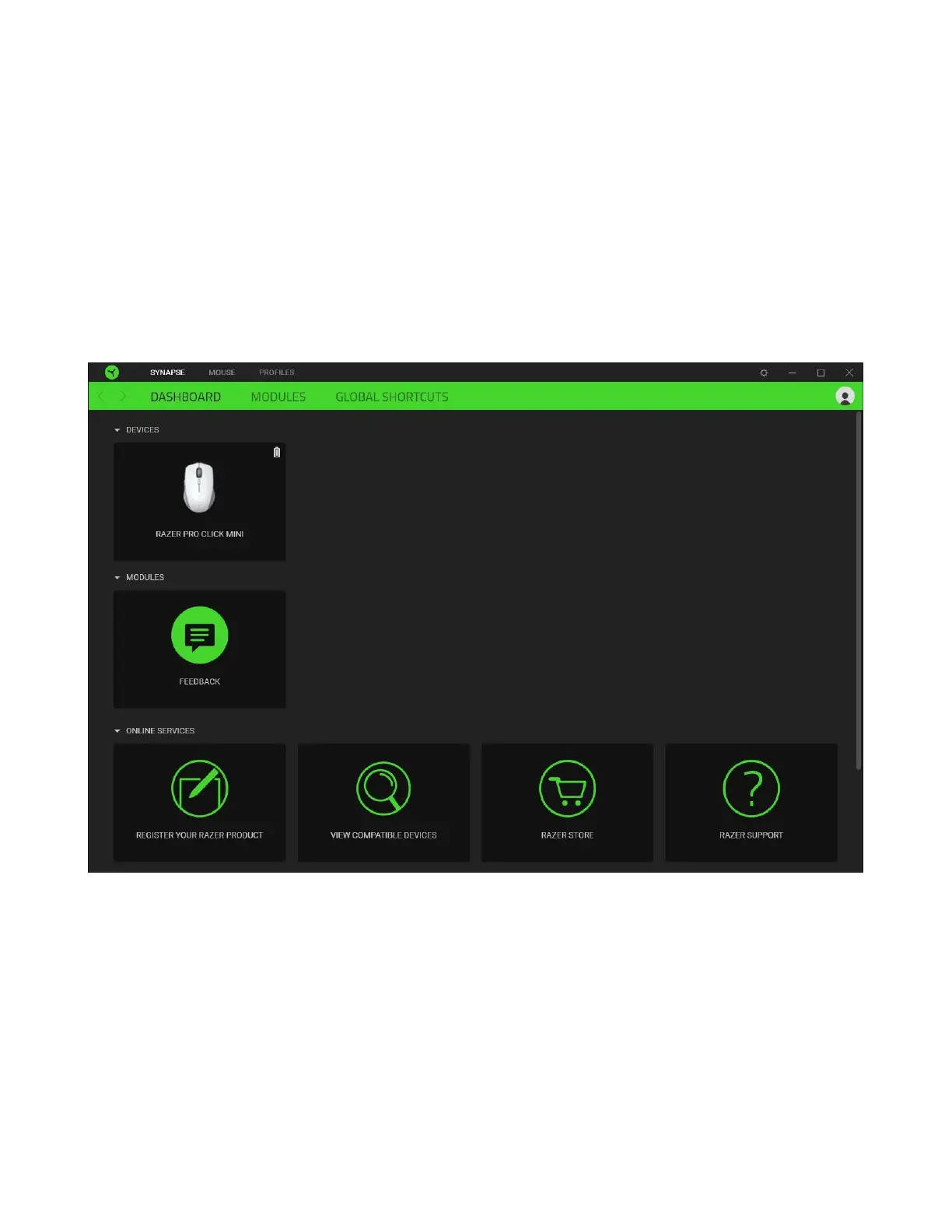
The Synapse tab is your default tab when you first launch Razer Synapse. This tab allows
you to navigate the Dashboard subtab.
Dashboard
The Dashboard subtab is an overview of your Razer Synapse where you can access all your
Razer devices, modules, and online services.
Modules
The Modules subtab displays all installed and available modules for installation.














 To Next Page