Multi-Device Pairing
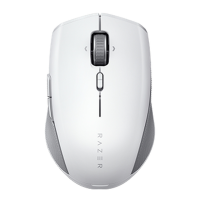
Use this feature to pair an additional HyperSpeed-compatible device with the Razer™
Productivity dongle of your Razer Pro Click Mini. As the Razer™ Productivity dongle can
support a keyboard and mouse at the same time, you’ll be able to remove the usage of
separate dongles for each peripheral.
Your Razer Pro Click Mini must be connected via HyperSpeed (2.4 GHz) wireless
mode to use this feature. Each peripheral can only connect to one dongle at a time.













 To Next Page