1. WHAT’S INSIDE / WHAT’S NEEDED
WHAT’S INSIDE
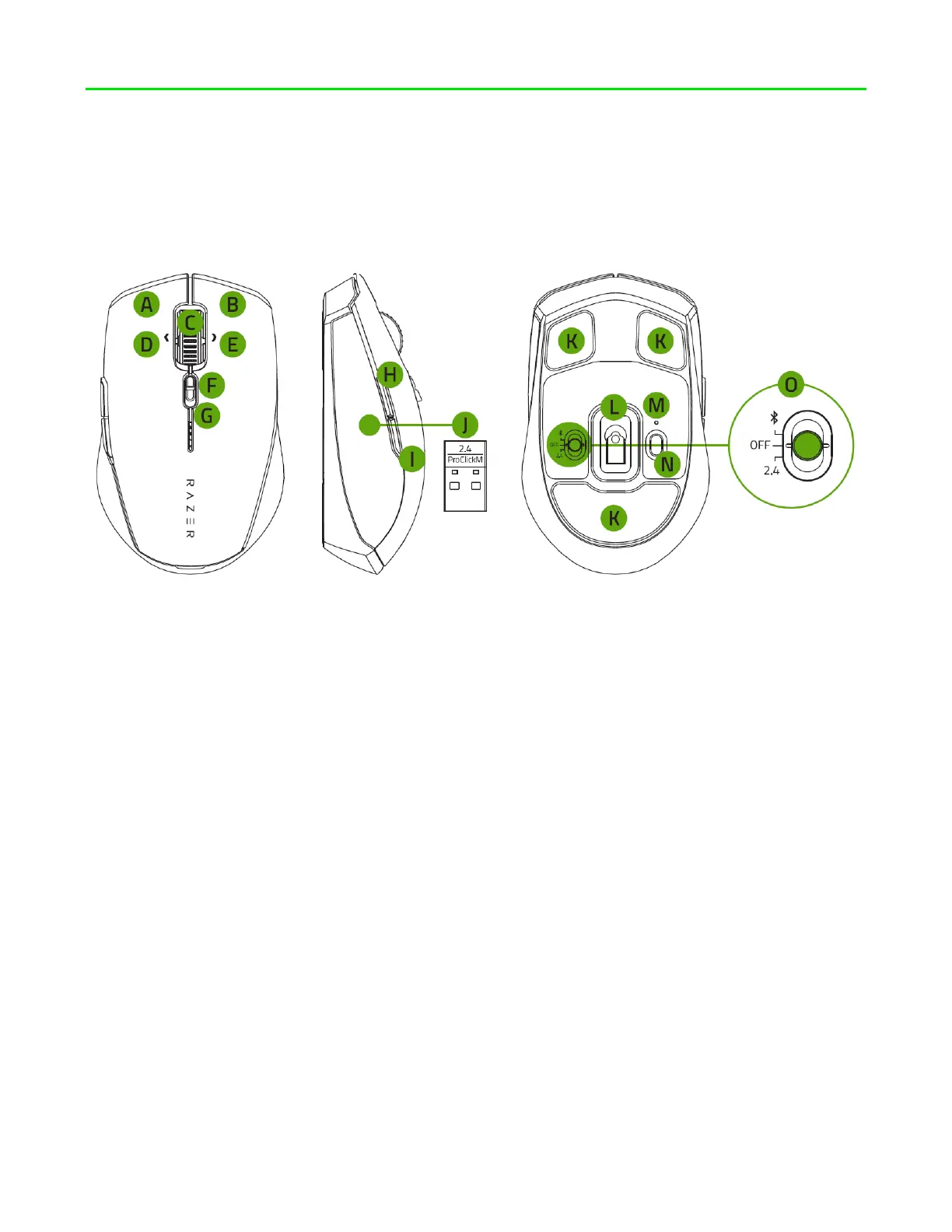
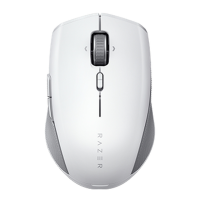
Razer Pro Click Mini
A. Left mouse button
B. Right mouse button
C. Razer™ HyperScroll Tilt Wheel
D. Left tilt-click
E. Right tilt-click
F. Razer™ HyperScroll Tilt Wheel
mode switch
Free-spin mode
Tactile mode
G. Low battery indicator
H. Mouse button 5
I. Mouse button 4
J. Razer™ Productivity dongle
K. Silent ultra-smooth mouse feet
L. True 12K DPI 5G optical sensor
M. Pairing indicator
N. Pair/switch button
O. Slider switch
Bluetooth mode
Power off mode
Razer™ HyperSpeed
Wireless (2.4 GHz) mode
2 x AA batteries Important Product Information Guide













 To Next Page