29
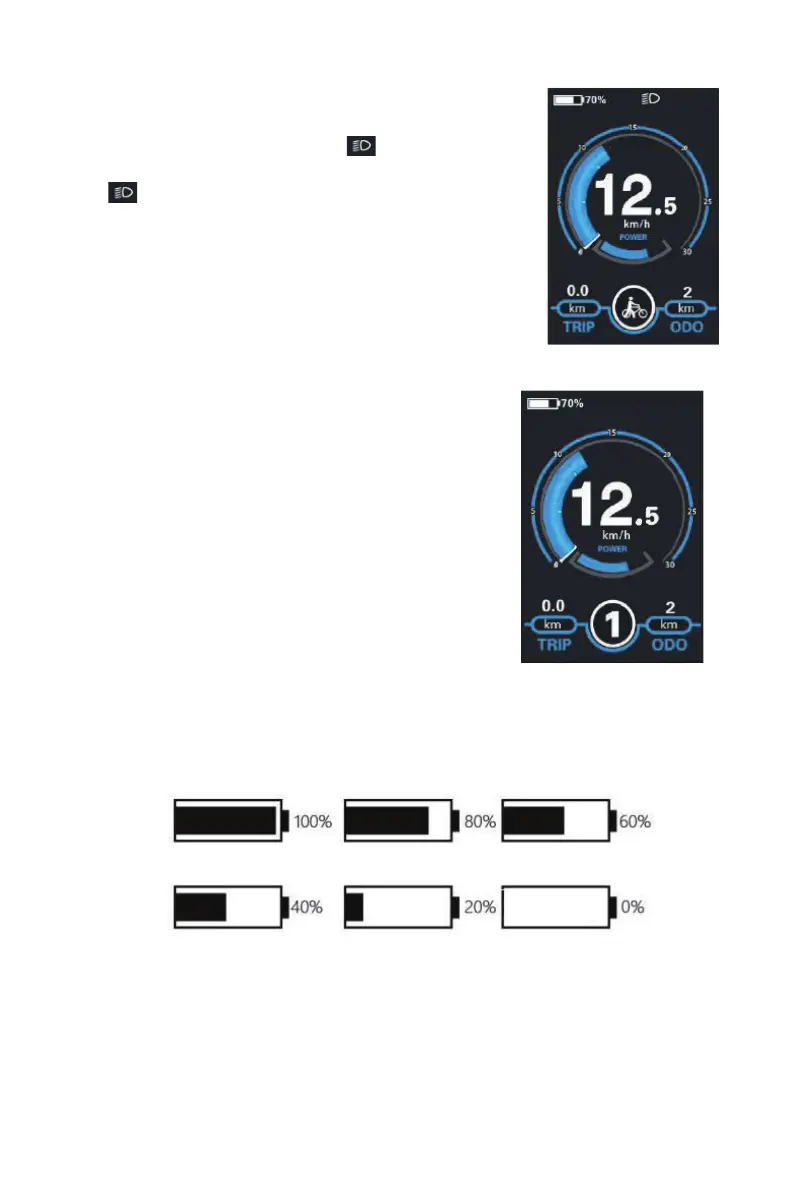
Switching the Lighting On/Off If the E-BIKE is
equipped with the light
To switch on the headlight, press the “
Switchingthe LightingModeOn/OffInterface
” button. The
backlight brightness is automatically reduced. Press
the “
Switchingthe LightingModeOn/OffInterface
” button again, the lighting can be switched off.
Switchingthe LightingModeOn/OffInterface
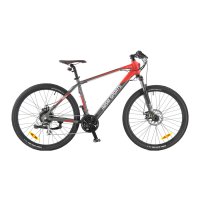
Assist Level Selection
Briey press "+" or "-" button to switch between assis-
tance levels so as to change the motor output power,
The default assistance level ranges from level “0” to
level “5”, The output power is zero on Level “0”. Level
“1” is the minimum power. Level “5” is the maximum
power. When you reach “ 5 ” , press the "+" button
again, the interface still shows “5”, and blinks at“5”to
indicate the power highest. After the power downshift
reaches “0”, press the "-" button again, the interface
still shows “0” and blinks at “0” to indicate the power
minimum. The default value is level “1”.
Battery SOC Indicator
The ve battery bars represent the capacity of the battery.The ve battery bars are bright when
the battery is in high voltage. When percentage is 0%, the battery needs to be recharged imme-
diately.
BatterySOC Indication Interface



 To Next Page