EN
6
Setting the Clock
Setting the Day
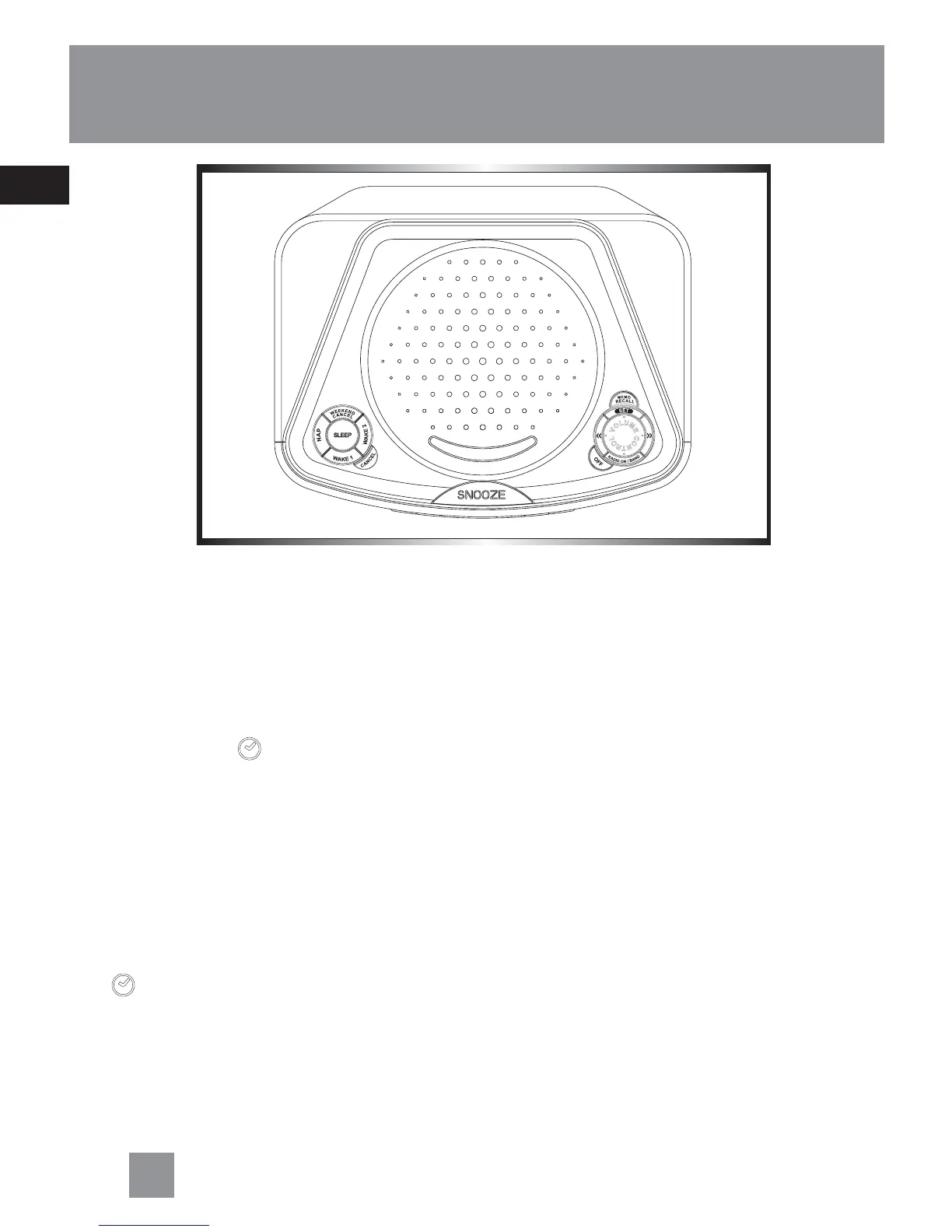
1. Press SET repeatedly until the day
indicator flashes on the display.
2. Press << or >> to set the day.
Setting Clock Time
Your digital clock operates on a 12-hour
standard mechanism. AM or PM will show
on the display accordingly.
When you first turn on the unit:
1. The clock icon
shows on the display
2. Press << or >> to set the clock time.
When you press and hold << or >>, the
time decrements or increments will fol-
low by a faster rate.
Or you can adjust the clock anytime by
following below procedures:
1. Press SET repeatedly until the clock icon
shows on the display.
2. Press << or >> to set the clock time.
When you press and hold << or >>, the
time decrements or increments will fol-
low by a faster rate.



 To Next Page