Reset Device
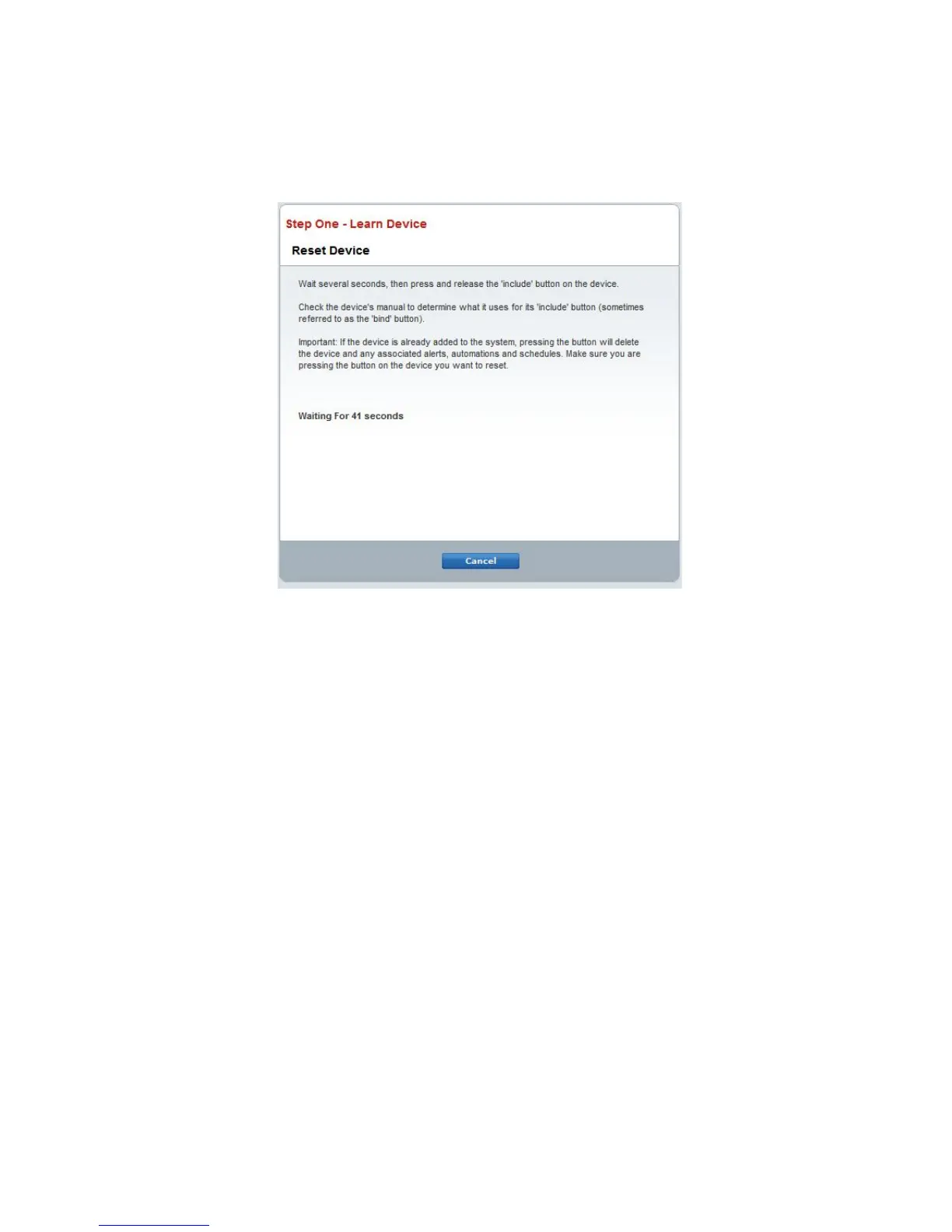
Should the thermostat need to be un-enrolled (removed) from another Z-Wave
network, follow the “Reset Device” instructions on the ADT Pulse
®
portal.
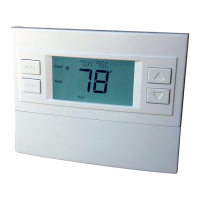
When the portal instructs you to press and release the “include” button as shown
above, follow these steps:
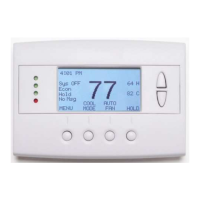
1. Press and hold the FAN button for 3 seconds until the Menu screen is displayed.
2. Press the UP arrow button to scroll to the “ZWAVE” menu.
3. Press “Select” to select the ZWAVE screen.
4. The display will show “REMOVE” in the text line.
5. Press “Select” to perform the Reset Device action.
6. “WAIT” will be displayed in the text line. The reset operation is in process.
7. “SUCCESS” will be display when the reset is completed.
8. Press “Done” to exit back to the thermostat screen.
9. Thermostat is now ready to be added to the wireless network; follow the enrolling
instructions on page 20.
DCN: 140-02121-06 Page 22


 To Next Page
 Loading...