METER MODE (cont.)
2.5 Environmental
Temperature Operating Range: -25 to 55 degrees C
Storage Range: -25 to 55 degrees C
Transportation Range: -25 to 70 degrees C
Ingress Protection: IP51
Maximum period of 6 hours at the extremes of its temperature range
2.6 Dimensions
Height: 222.00 mm
Width: 135.00 mm
Depth: 80.00 mm
Weight: 1.0 kg
3. NORMAL FUNCTIONAL OPERATION IN METER MODE
3.1 Normal Operation Display
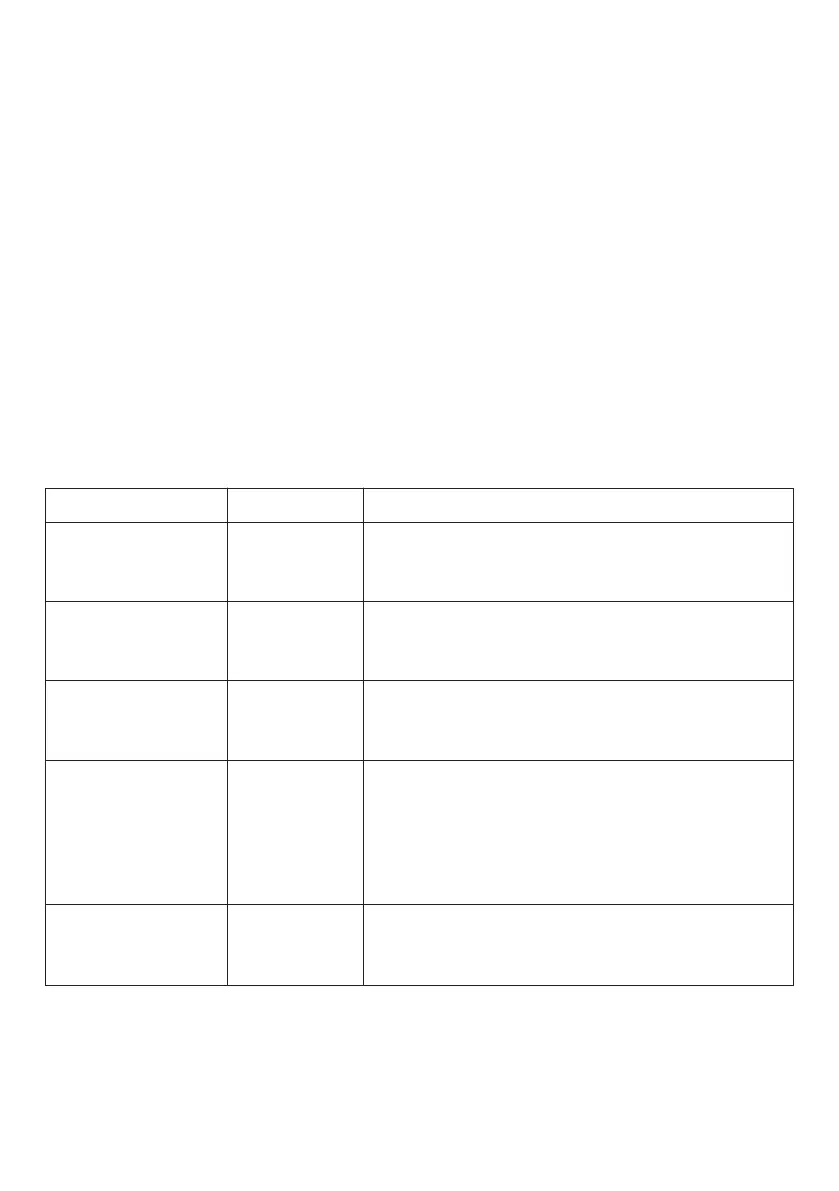
During normal operation the display on the M-101 in METER MODE will be one of those
shown below.
DISPLAY CONTACTOR REMARKS
XXXXXXX.X kWh
R1 £XXX.XX Cred
XXXXXXX.X kWh
R1 £0.00 Credit
XXXXXXX.X kWh
£XXX.XX Debt
XXXXXXX.X kWh
R1 £XXX.XX Emer
XXXXXXX.X kWh
£XXX.XX Debt
Closed
Open
Open
Closed
Open
XXXXXXX.X kWh registered on current tariff.
Rate 1 represents the current tariff.
The consumer has £XXX.XX credit remaining
XXXXXXX.X kWh registered on current tariff.
Rate 1 represents the current tariff.
The consumer has used up all credit.
XXXXXXX.X kWh registered on current tariff.
The consumer has used up all credit and has
accumulated a standing charge debt of £XXX.XX.
XXXXXXX.X kWh registered on current tariff.
Rate 1 represents the current tariff.
The consumer has selected emergency credit.
£XXX.XX represents the emergency credit
remaining. When £XXX.XX reaches £0.00 the
display will change to this format below.
XXXXXXX.X kWh registered on current tariff. The
consumer has used up all emergency credit and
has accumulated a debt of £XXX.XX
3.2 Additional Displayed Information
When the meter is operating normally, momentarily pressing the GREEN button will
sequence through the parameters, as listed in the table overleaf. If during a manual
sequence cycle, the GREEN button is not pressed within 10 seconds, the meter will revert to
its normal display and operation.
The table overleaf gives a list of the 16 sequentially displayed parameters.
3


 To Next Page