METER MODE (cont.)
Example 3:
DISPLAY ACTION
Debt £2.99 Insert £5 value Card.
£5.00 Credited
Rate - Credit £2.01
3.7.2 Card Errors
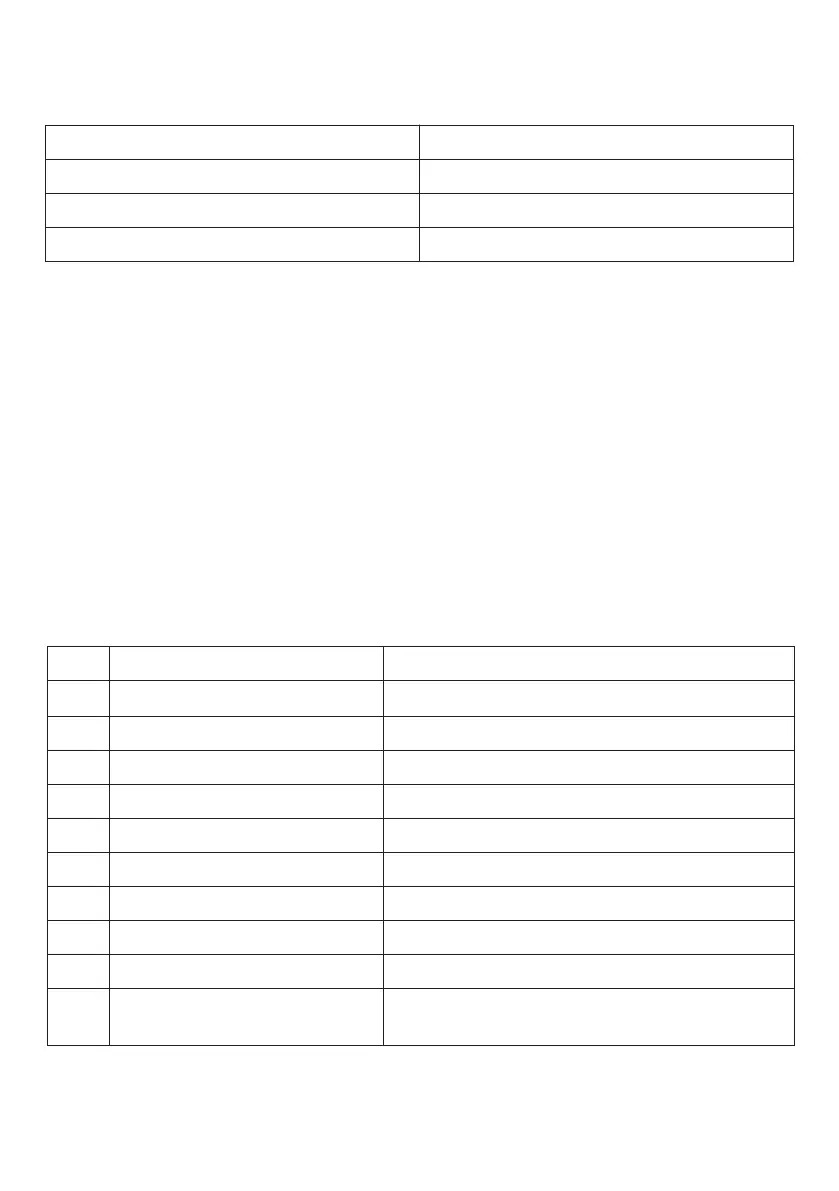
The message “Card Error” may be displayed if the card was inserted too
quickly, too slowly or the card was invalid, the message “Excess Credit” is
displayed if a token card is inserted that would cause the pre-paid credit
to become greater then £999.99. If either of the above messages are displayed
then on removal, the card is not erased and may be used at a later date.
3.7.3 Emergency Credit Repayment
When the preset emergency credit has expired, card tokens must be inserted
that are of sufficient value to give a pre-paid credit of at least £1.00 above the
emergency credit debt.
4. COMMAND CARD PROGRAMMING
4.1 Programming Method
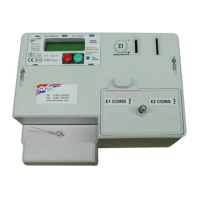
After the insertion of a valid COMMAND CARD the following 10 parameters can be
sequentially viewed/modified using the RED and GREEN buttons on the meter.
To display/modify a particular parameter first insert a COMMAND CARD upon the
message “Please Remove Card” will be displayed. On removing the card the message
“PROGRAMMING” will be displayed. Next press the RED button until the Date and Time
are displayed.
STEP PROGRAMMING SETTINGS
DD/MM/YYYY – HH:MM
Zero Credit No Yes
Set Credit £XXX.XX
Emergency Credit £XX.XX
Emergency Credit Avail £XX.XX
Rate 1 Unit Cost £XX.XX
Rate 2 Unit Cost £XX.XX
Standing Charge £XX.XX
Operational Mode Meter Timer
Factory Defaults No Yes
1
2
3
4
5
6
7
8
9
10
Current Date and Time
Manually Zero Credit - No or Yes
Manually Set Credit
Emergency Credit Value
Emergency Credit Available point
Rate 1 - Cost per kWh Unit
Rate 2 - Cost per kWh Unit
Standing Charge per 24 hours
Select Meter or Timer operating mode
Reset to Factory Defaults excluding kWh
cumulative totals
6


 To Next Page