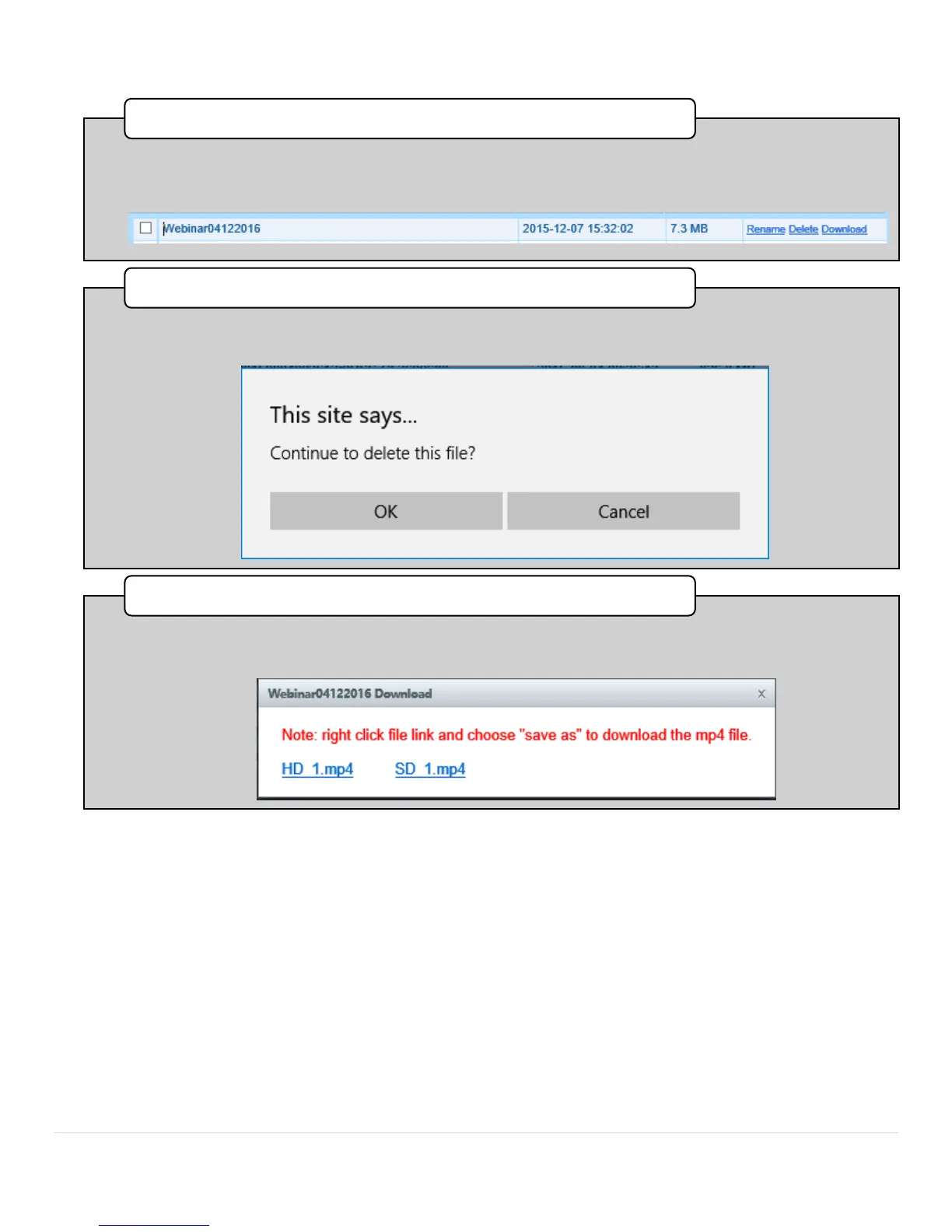
•Press Rename to change the name of the file to something more memorable. The textbox will
become editable for you to change the name. Click anywhere on the page to commit the name
change.
1. Rename Function
•Press Delete to permanently delete a file. When you press delete, a dialog box will appear to
confirm that you want to commit this action. When you click OK the file will be permanently
deleted.
2. Delete Function
•Press Download to directly download the file to a USB sturage device plugged into the front
panel. Simply follow the prompts.The downloaded content will be an MP4 file.
3. Download



 To Next Page