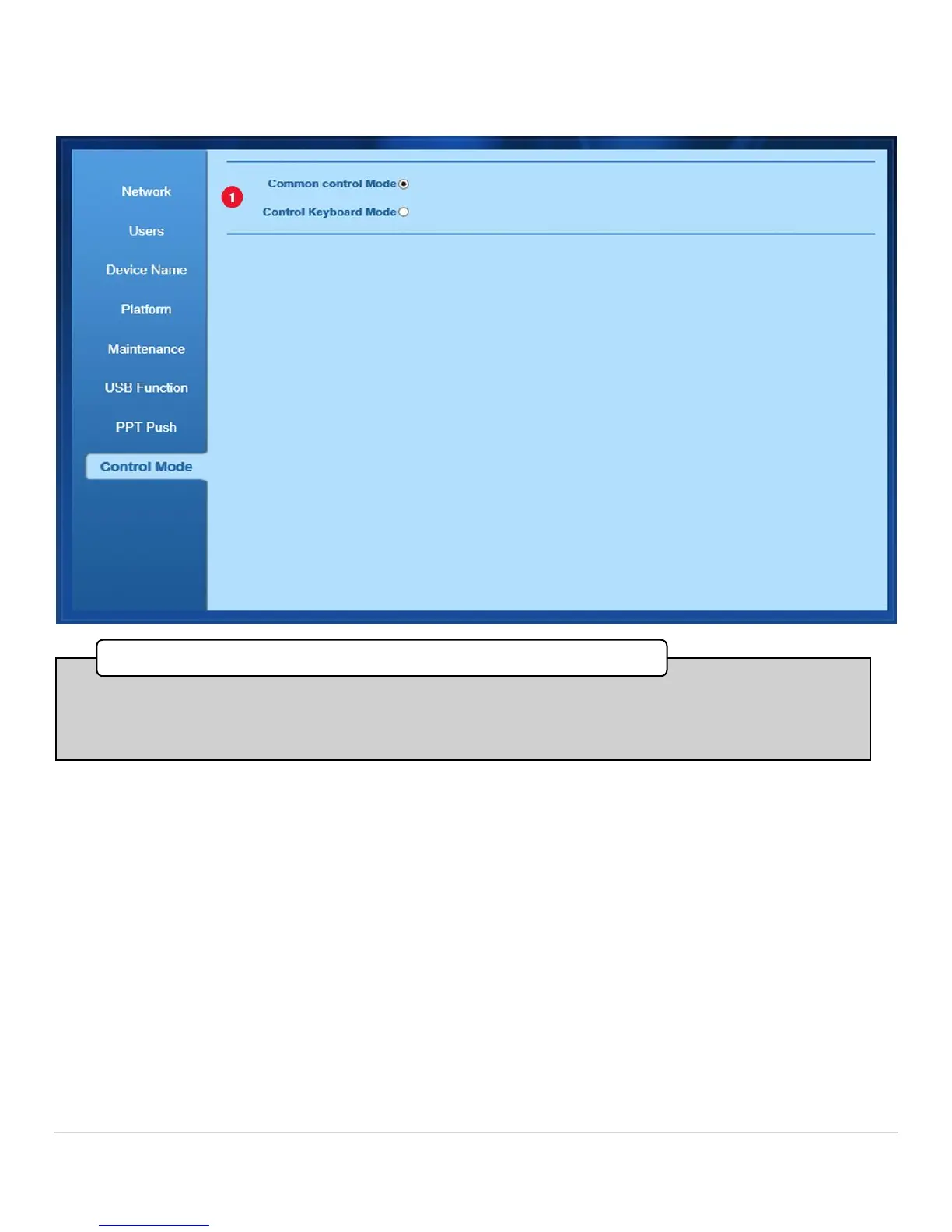
•In this section, by selecting Common Control Mode, the Bee8 will respond to external control commands
from a Crestron controller or other control device, either by Telnet or serial command strings.
•Control Keyboard Mode enables the serial port only, for use with the Reach P001 remote control keyboard.
1. Common Control/Keyboard Mode Select



 To Next Page