P a g e | 17 Bee8 User’s Manual Reach/BTX
Settings Page Audio Settings Tab
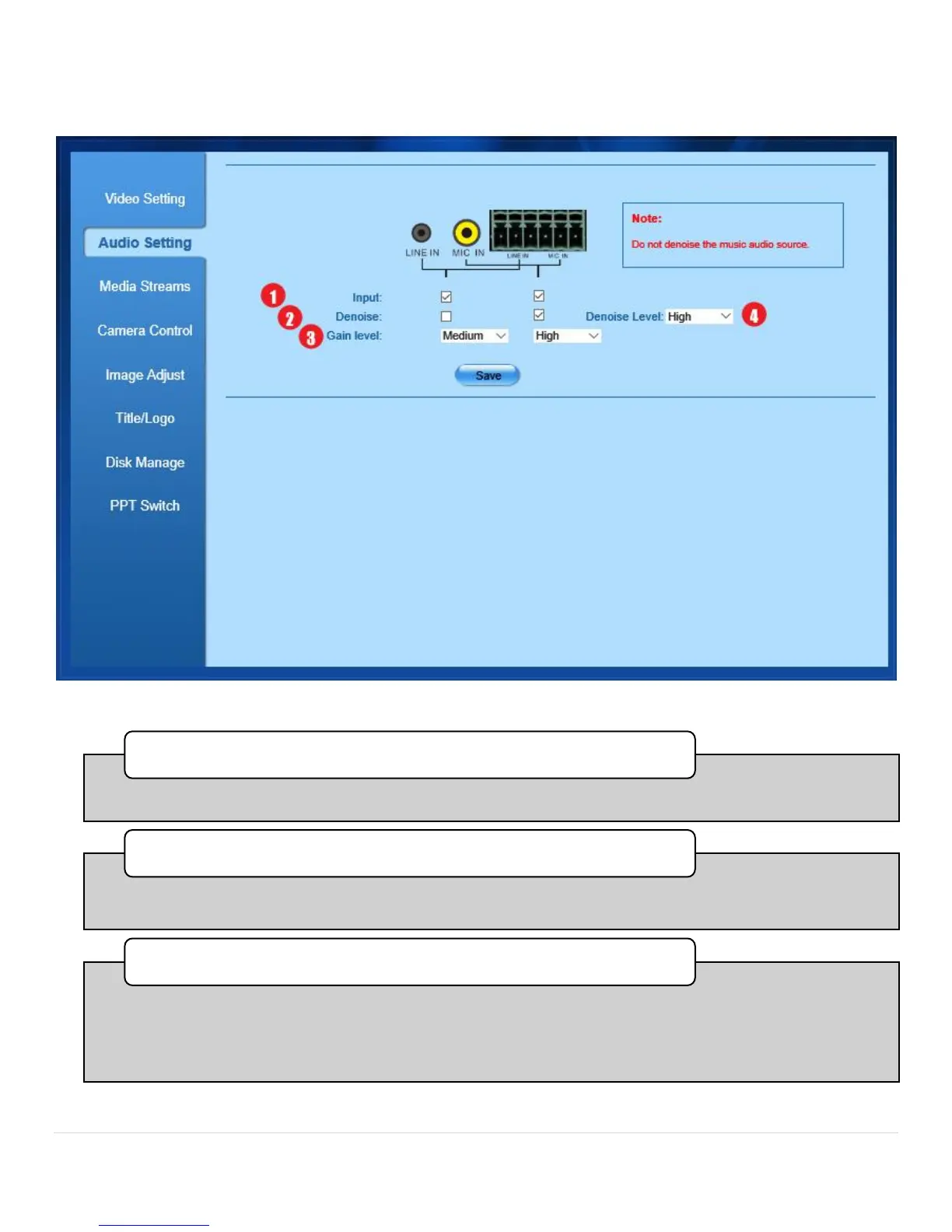
Figure 9. Settings Page, Audio Tab
•Check each box for audio signals you have input to the Bee8.
1. Input Select Checkboxes
•Check each box to apply a denoise filter for the appropriate input. In most cases, filtering will not be
required.
2. Denoise
•VSelect the amount of gain needed for each input to achieve high quality audio recording. The pull-down
menu choices are low (typically for line level inputs from a mixer or DSP), medium (typically for sources
where audio was recorded low previously) or high (typically for microphones with low sensitivity). Press the
save button after you have made your selections to commit the changes.
3. Gain Level



 To Next Page