INSTALLATION INSTRUCTIONS (continued)
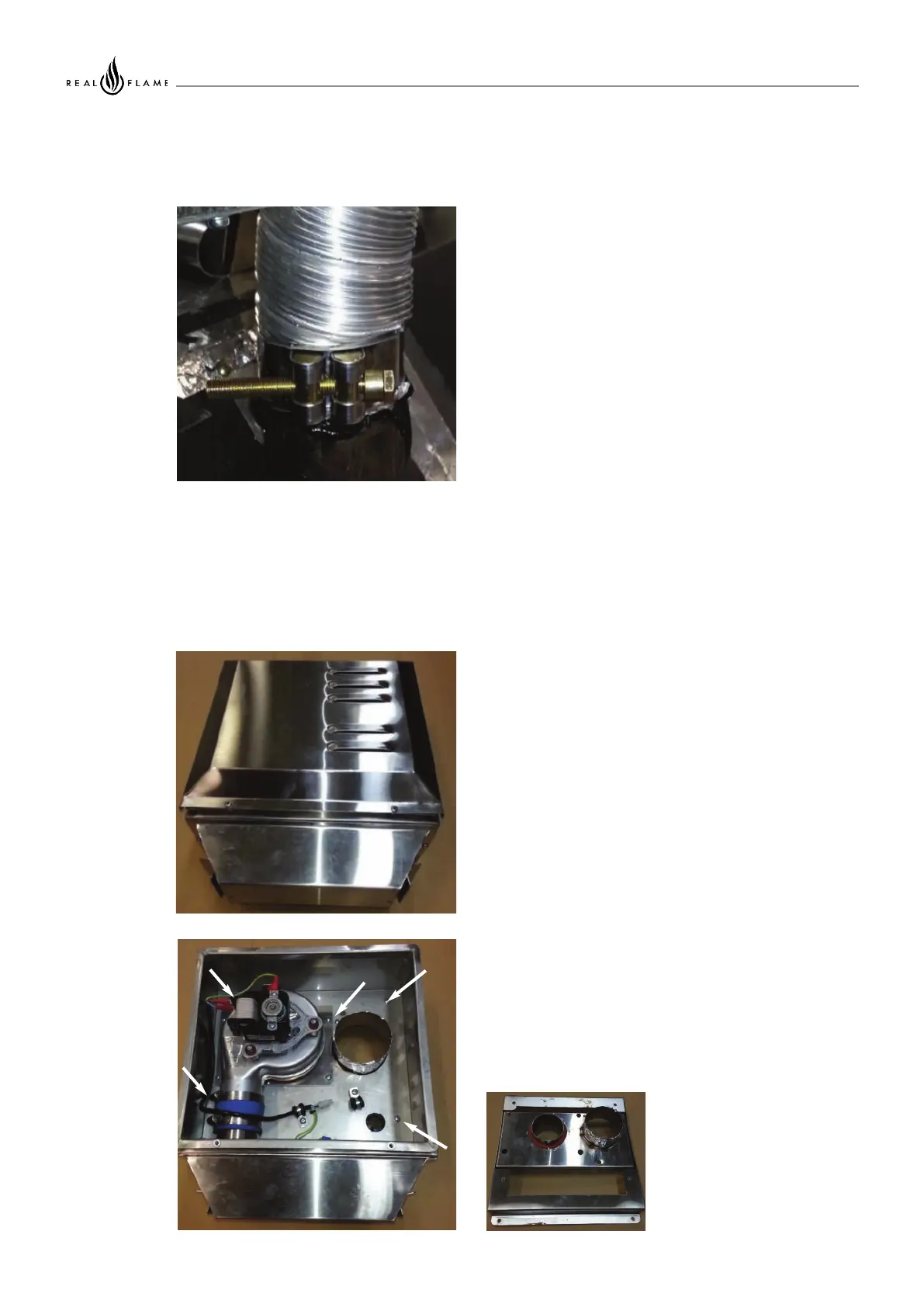
Slide flue onto connection spigot fully.
Tighten clamp fully.
Wipe excess silicon, visually check connection to
ensure connection is fully sealed.
Remove cover from fan terminal
Remove main assembly from the rear wall mounting
plate assembly.
Remove the 5 screws as shown. (Do not remove fan
plate screws)
Lift off main fan terminal assembly.
4. Repeat above with air intake flue pipe to heater
connection.
5. Clip flues as required to provide adequate
support.
6. Connection to wall mounted fan terminal
INSTALLATION INSTRUCTIONS (continued)
10



 To Next Page