50
WIFI DEVICE CONTROL INSTRUCTIONS (continued)
Step by Step – Pushing the Fireplace to a local network
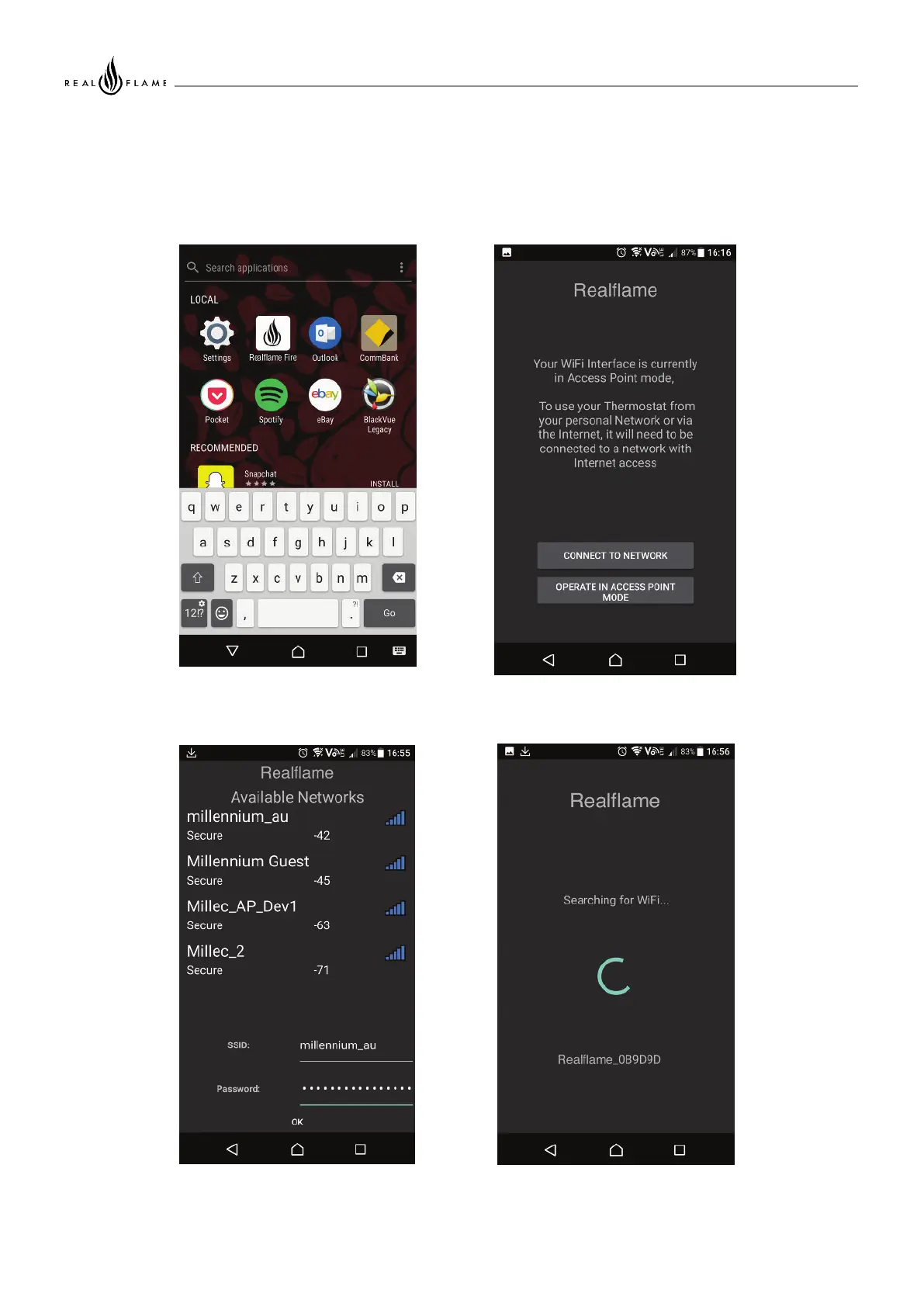
Illustration 5: Open the Fireplace
App
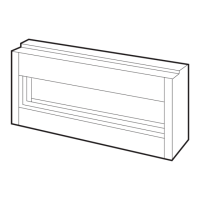
Illustration 6: When prompted,
select 'Connect to Network'
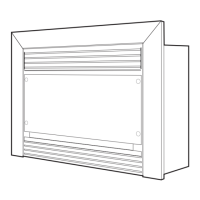
Illustration 7: Select the Network
you want to use
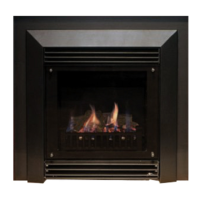
Illustration 8: The App will start to
search for the device on the
network



 To Next Page