USING THE FOLDING FEET
Your scanner's front feet are folding type.
Use
them ac-
cording to the location of the scanner.
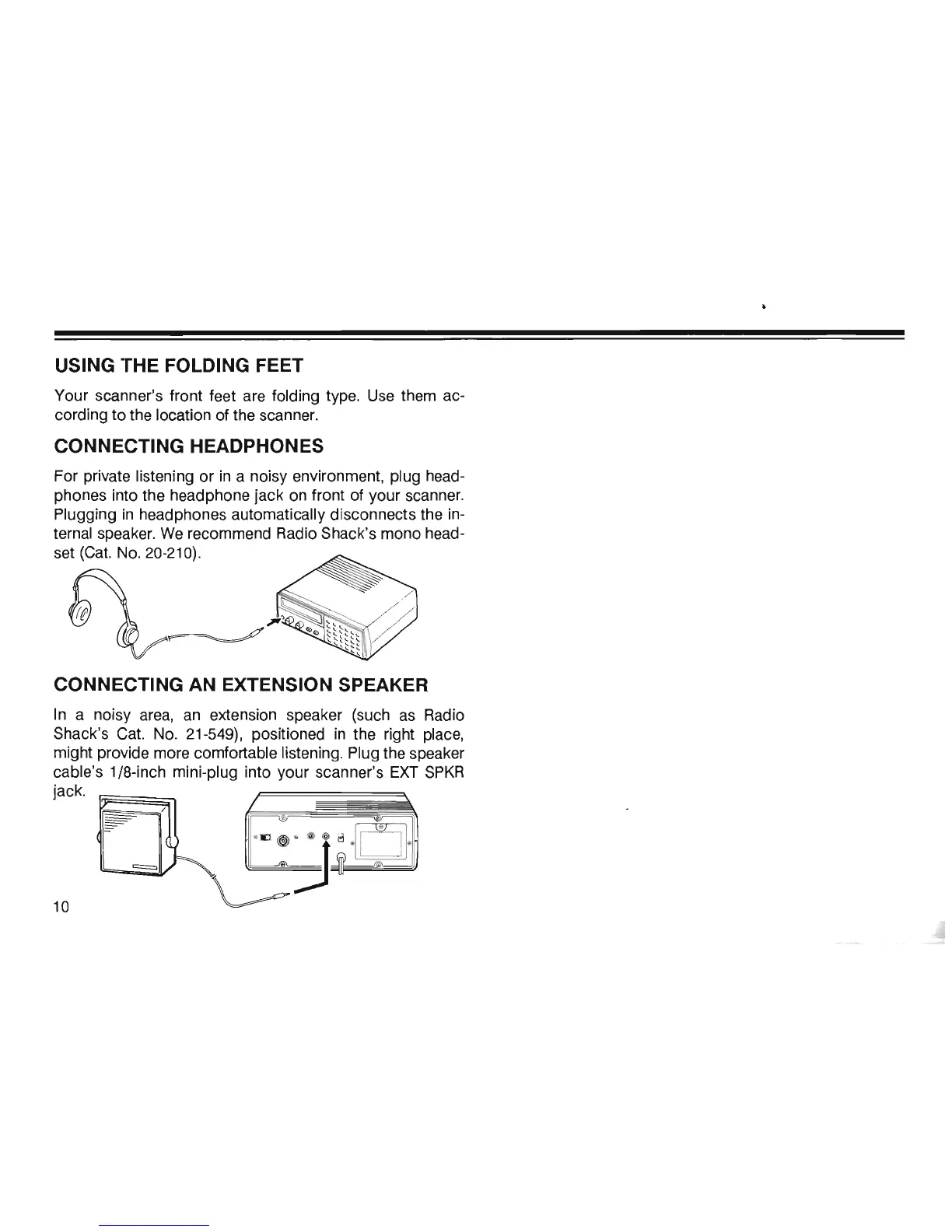
CONNECTING HEADPHONES
For private listening or
in
a noisy environment, plug head-
phones into the headphone jack
on
front of your scanner.
Plugging
in
headphones automatically disconnects the
in-
ternal speaker.
We
recommend Radio Shack's mono head-
set
(Cat.
No.
20-210).
~
f.
~'
~
~
t
t
~
'
,
;;/
l.
~~~
~t
"
CONNECTING AN EXTENSION SPEAKER
In
a noisy
area,
an
extension speaker (such
as
Radio
Shack's
Cat.
No.
21-549), positioned
in
the right place,
might provide more comfortable listening. Plug the speaker
cable's 1/8-inch mini-plug into your scanner's
EXT
SPKR
jack.
10













 To Next Page