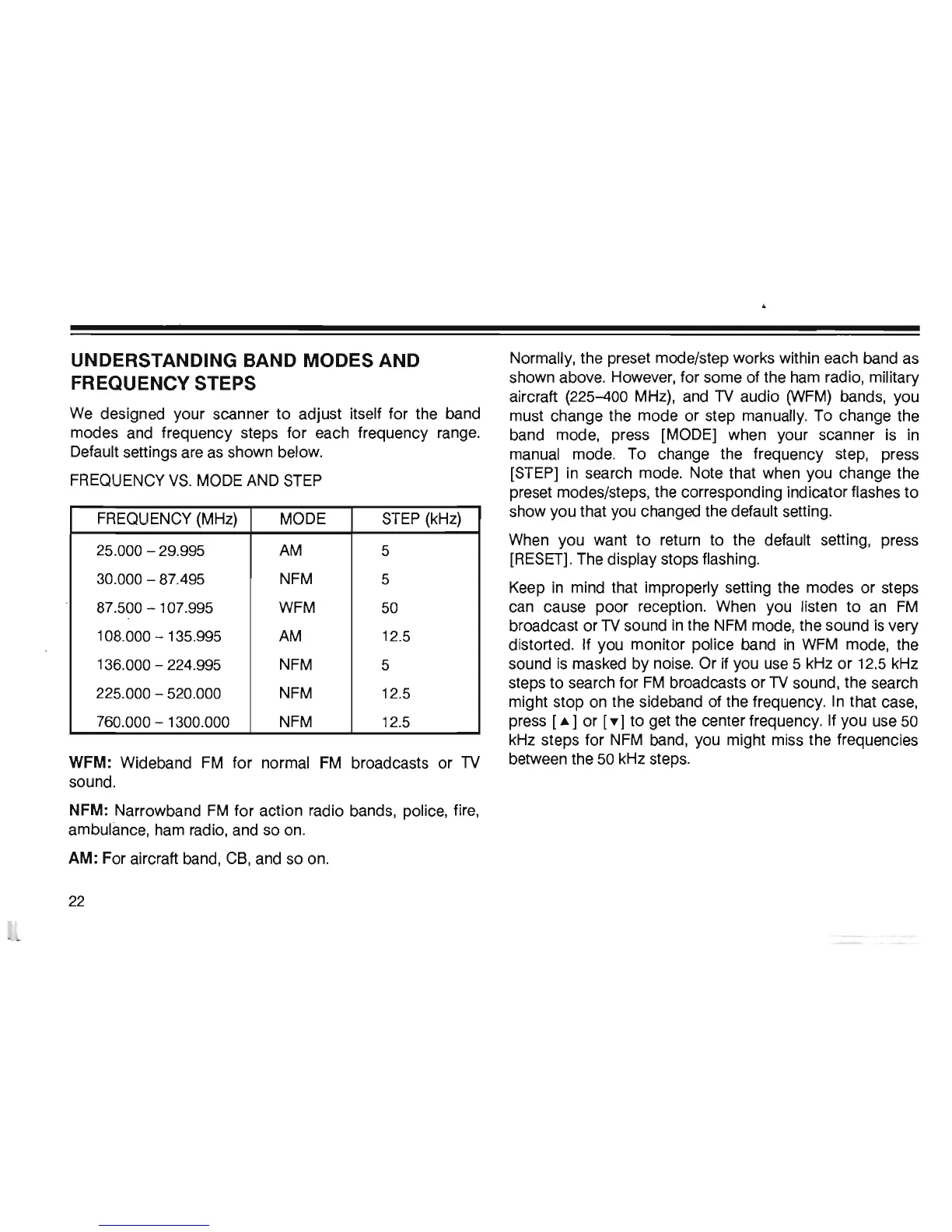
UNDERSTANDING BAND MODES AND
FREQUENCY STEPS
We
designed your scanner to adjust itself for the band
modes and frequency steps for each frequency range.
Default settings are as shown below.
FREQUENCY
VS.
MODE AND
STEP
FREQUENCY (MHz) MODE
STEP
(kHz)
25.000 - 29.995
AM
5
30.000 - 87.495 NFM
5
87.500 - 107.995
WFM
50
108.000 - 135.995
AM
12.5
136.000 - 224.995
NFM
5
225.000 - 520.000
NFM
12.5
760.000 - 1300.000
NFM
12.5
Normally, the preset mode/step works within each band as
shown above. However, for some of the ham radio, military
aircraft (225-400 MHz), and
TV
audio
(WFM)
bands, you
must change the mode or step manually. To change the
band mode, press [MODE] when your scanner is
in
manual mode. To change the frequency step, press
[STEP] in search mode. Note that when you change the
preset modes/steps, the corresponding indicator flashes to
show you that you changed the default setting.
When you want
to
return to the default setting, press
[RESET]. The display stops flashing.
Keep
in
mind that improperly setting the modes or steps
can cause poor reception. When you listen
to
an
FM
broadcast or
TV
sound
in
the
NFM
mode, the sound
is
very
distorted. If you monitor police band
in
WFM
mode, the
sound
is
masked by noise. Or
if
you use 5 kHz or 12.5 kHz
steps to search for
FM
broadcasts or
TV
sound, the search
might stop on the sideband of the frequency.
In
that case,
press
[.]
or
['Y
I to get the center frequency. If you use
50
kHz steps for
NFM
band, you might miss the frequencies
WFM: Wideband
FM
for normal
FM
broadcasts or
TV
between the
50
kHz steps.
sound.
NFM: Narrowband
FM
for action radio bands, police, fire,
ambulance, ham radio, and so on.
AM:
For aircraft band, C8, and so on.
22













 To Next Page