EasyManua.ls Logo

Realistic PRO-26 - Display Backlight and Attenuator; Auto Sorting and Data Signal Skipping

Realistic PRO-26
22 pages
Print Icon
To Next Page IconTo Next Page
To Previous Page IconTo Previous Page
Loading...
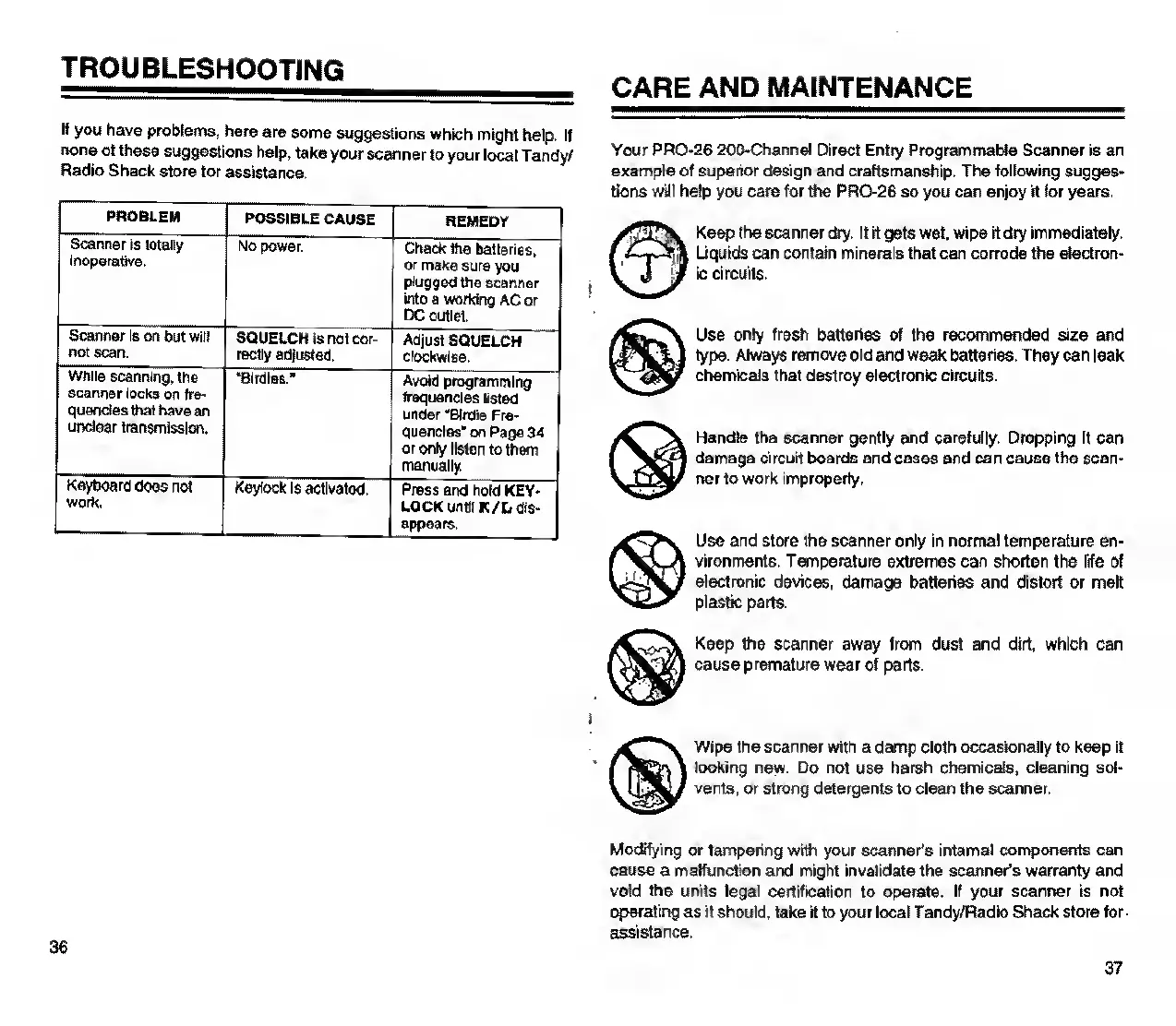
TROUBLESHOOTING
If
you
have
problems,
here
are
some
suggestions
which
might
help.
If
none
of
these
suggestions
help,
take
your
scanner
to
your
local
Tandy/
Radio
Shack
store
for
assistance.
PROBLEM
Scanner
is
totally
Inoperative.
Scanner
Is
on
but
will
SQUELCH
Is
not
cor-
not
scan.
rectly
adjusted.
While
scanning,
the
scanner
locks
on
fre¬
quencies
that
have
an
unclear
transmission.
Keyboard
does
not
wnrk
POSSIBLE
CAUSE
REMEDY
No
power.
Check
Ihe
batteries,
or
make
sure
you
plugged
the
scanner
into
a
working
AC
or
_
DC
outlet
SQUELCH
is
not
cor-
Adjust
SQUELCH
rectly
adjusted.
_clockwise.
“Birdies.”
Avoid
programming
frequencies
listed
under
"Birdie
Fre¬
quencies'
on
Page
34
or
only
listen
to
them
manually.
Keylock
Is
activated.
Press
and
hold
KEY-
CARE
AND
MAINTENANCE
Your
PRO-26
200-Channel
Direct
Entry
Programmable
Scanner
is
an
example
of
superior
design
and
craftsmanship.
The
following
sugges¬
tions
will
help
you
care
for
the
PRO-26
so
you
can
enjoy
it
for
years.
Keep
the
scanner
dry.
If
it
gets
wet.
wipe
it
dry
immediately.
Liquids
can
contain
minerals
that
can
corrode
the
electron¬
ic
circuits.
Use
only
fresh
batteries
of
the
recommended
size
and
type.
Always
remove
old
and
weak
batteries.
They
can
leak
chemicals
that
destroy
electronic
circuits.
Handle
the
scanner
gently
and
carefully.
Dropping
It
can
damage
circuit
boards
and
cases
and
can
cause
the
scan¬
ner
to
work
improperly.
Use
and
store
the
scanner
only
in
normal
temperature
en¬
vironments.
Temperature
extremes
can
shorten
the
life
of
electronic
devices,
damage
batteries
and
distort
or
melt
plastic
parts.
Keep
the
scanner
away
from
dust
and
dirt,
which
can
cause
premature
wear
of
parts.
Wipe
the
scanner
with
a
damp
cloth
occasionally
to
keep
it
looking
new.
Do
not
use
harsh
chemicals,
cleaning
sol¬
vents,
or
strong
detergents
to
clean
the
scanner.
Modifying
or
tampering
with
your
scanner’s
internal
components
can
cause
a
malfunction
and
might
invalidate
the
scanner’s
warranty
and
void
the
units
legal
certification
to
operate.
If
your
scanner
is
not
operating
as
it
should,
take
it
to
your
local
Tandy/Radk>
Shack
store
for
assistance.
37

Related product manuals