EasyManua.ls Logo

Realistic PRO-26 - Table of Contents

Realistic PRO-26
22 pages
Print Icon
To Next Page IconTo Next Page
To Previous Page IconTo Previous Page
Loading...
CONTENTS
PREPARATION
E
PREPARATION.7
Power
Sources.7
Resetting
the
Scanner.’
”.12
Connecting
the
Antenna.12
Connecting
an
Earphone/Headphones.13
Connecting
an
Extension
Speaker.14
Using
the
Belt
Clip.14
UNDERSTANDING
YOUR
SCANNER.15
A
Look
at
the
Keyboard.15
A
Look
at
the
Display.
17
Understanding
Channel-Storage
Banks.19
OPERATION.20
Turning
on
the
Scanner
/
Setting
Volume
and
Squelch.20
Storing
Frequencies.20
Searching
For
and
Temporarily
Storing
Active
Frequencies.
.22
Listening
to
Monitor
Memories.26
Moving
a
Frequency
from
a
Monitor
Memory
to
a
Channel.
.26
Using
the
Keylock.26
Scanning
the
Channels.27
ManuaHy
Selecting
a
Channel.28
SPECIAL
FEATURES.29
Delay.29
Priority.29
Using
the
Display
Backlight.30
Using
the
Programmable
Attenuator.30
Using
Auto
Sorting.31
Skipping
Data
Signals.31
Turning
On
or
Off
the
Key
Tone.32
Changing
the
Frequency
Step.32
Changing
the
Modulation
Mode.32
A
GENERAL
GUIDE
TO
SCANNING.33
Guide
to
Frequencies.33
Frequency
Conversion.35
TROUBLESHOOTING....36
CARE
AND
MAINTENANCE.37
SPECIFICATIONS...38
POWER
SOURCES
You
can
power
your
scanner
from
any
of
three
sources:
Internal
batteries
Standard
AC
power
(using
an
optional
AC
adapter}
Vehicle
battery
power
(using
an
optional
DC
adapter)
Using
Internal
Batteries
You
can
power
your
scanner
with
four
AA
batteries.
For
the
longest
life
and
best
performance,
we
recommend
alkaline
batteries.
Or,
you
can
use
rechargeable
nickel-cadmium
batteries.
Follow
these
steps
to
install
or
replace
batteries.
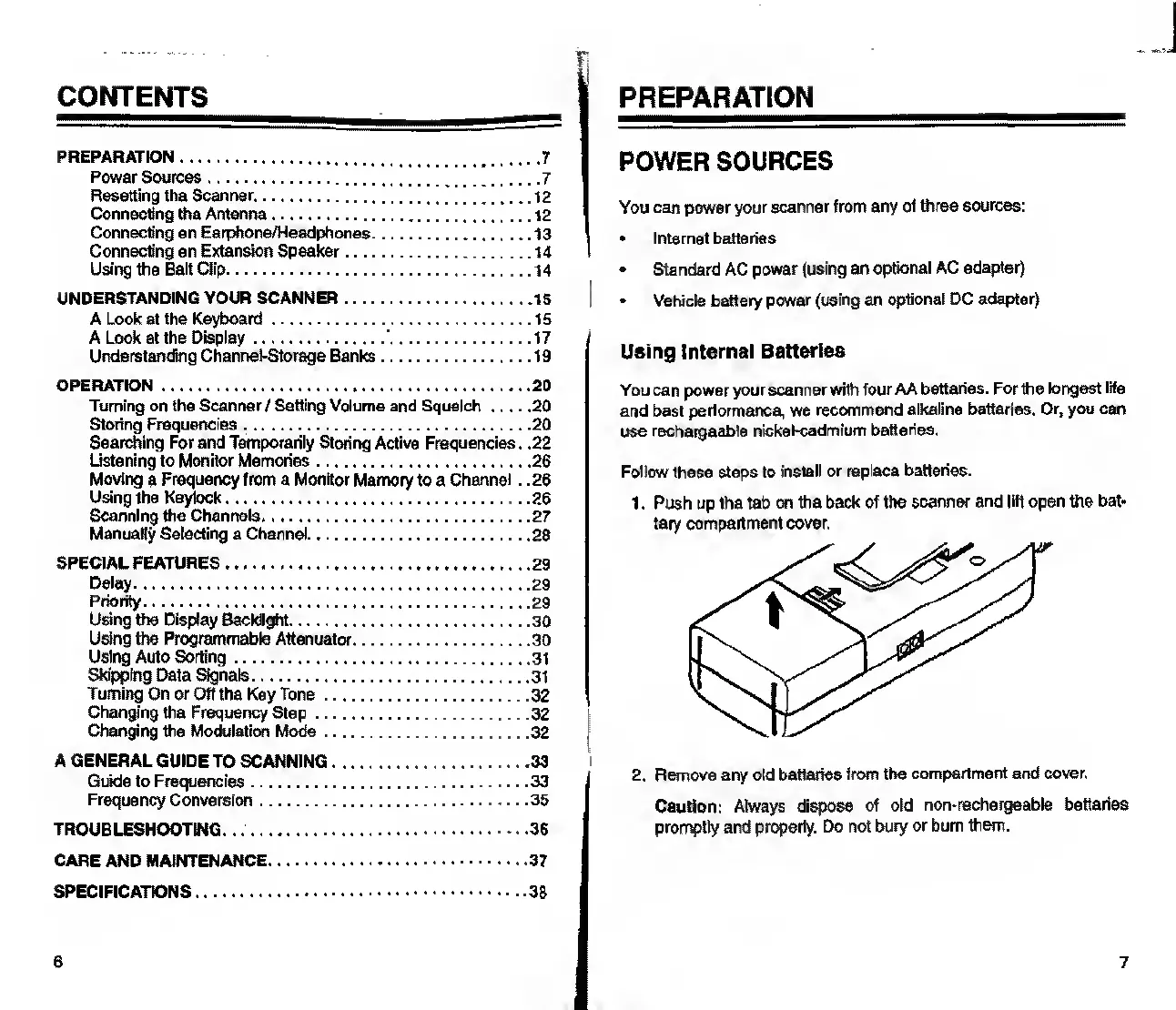
1.
Push
up
the
tab
on
the
back
of
the
scanner
and
lift
open
the
bat¬
tery
compartment
cover.
2.
Remove
any
old
batteries
from
the
compartment
and
cover,
Caution:
Always
dispose
of
old
non-rechargeable
batteries
promptly
and
properly.
Do
not
bury
or
bum
them.
7

Related product manuals