EasyManua.ls Logo

Realistic PRO-26 - Introduction to the PRO-26 Scanner; Continuous Coverage; HyperScan Feature; Ten Channel-Storage Banks

Realistic PRO-26
22 pages
Print Icon
To Next Page IconTo Next Page
To Previous Page IconTo Previous Page
Loading...
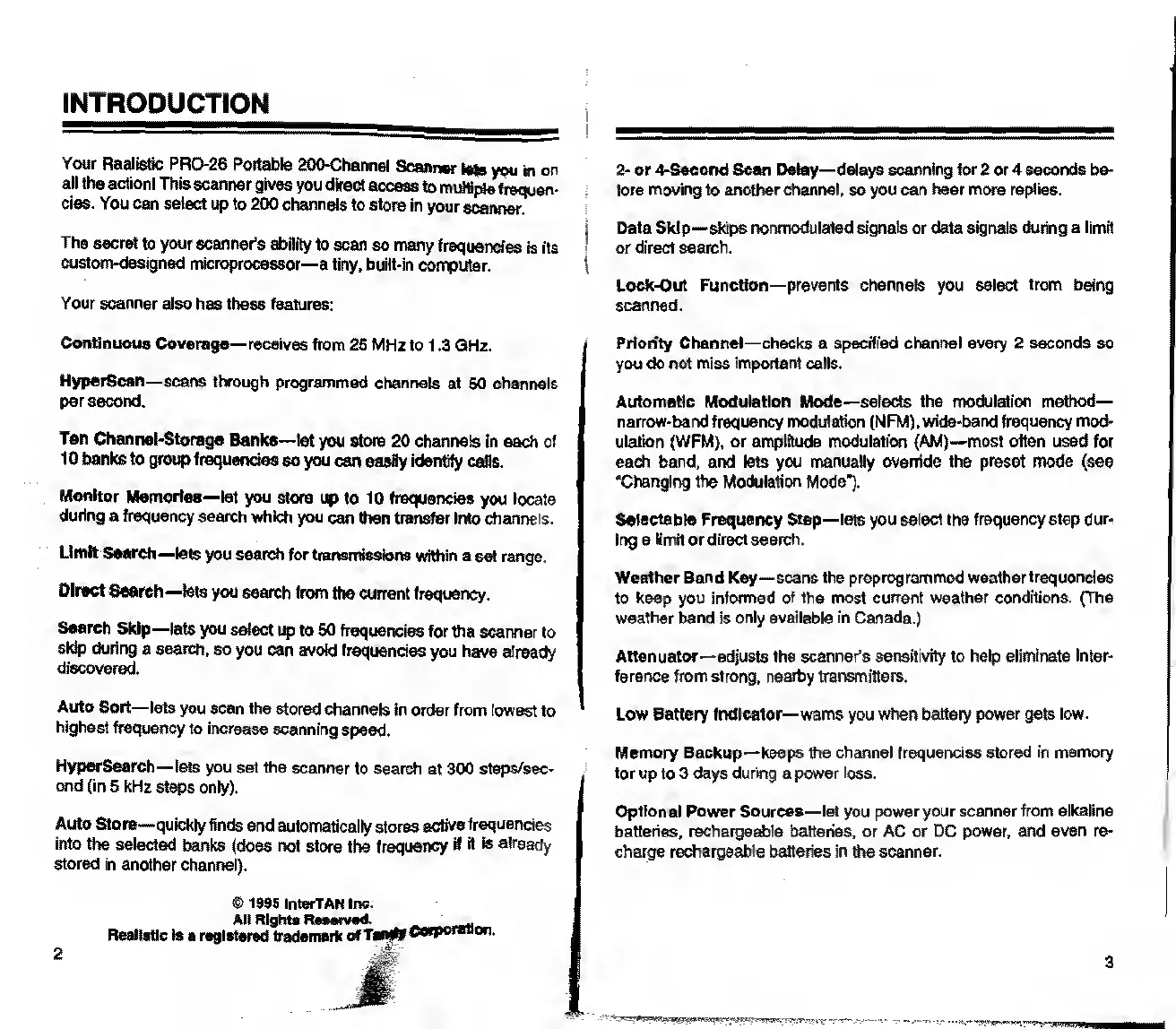
INTRODUCTION
Your
Realistic
PRO-26
Portable
200-Channel
Scanner
lets
you
in
on
all
the
action!
This
scanner
gives
you
direct
access
to
multiple
frequen¬
cies.
You
can
select
up
to
200
channels
to
store
in
your
scanner.
The
secret
to
your
scanner's
ability
to
scan
so
many
frequencies
is
its
custom-designed
microprocessor—a
tiny,
built-in
computer.
Your
scanner
also
has
these
features:
2-
or
4-Second
Scan
Delay
—delays
scanning
for
2
or
4
seconds
be¬
fore
moving
to
another
channel,
so
you
can
hear
more
replies.
Data
Skip
—skips
nonmodulaled
signals
or
data
signals
during
a
limit
or
direct
search.
Lock-Out
Function—
prevents
channels
you
select
from
being
scanned.
Continuous
Coverage—
receives
from
26
MHz
to
1.3
GHz.
HyperScan—scans
through
programmed
channels
at
50
channels
per
second.
Ten
Channel-Storage
Banks—
let
you
store
20
channels
in
each
of
10
banks
to
group
frequencies
so
you
can
easily
identify
calls.
Monitor
Memories—
let
you
store
up
to
10
frequencies
you
locate
during
a
frequency
search
which
you
can
then
transfer
into
channels.
Limit
Search
—lets
you
search
for
transmissions
within
a
set
range.
Direct
Search—
lets
you
search
from
the
current
frequency.
Search
Skip—lets
you
select
up
to
50
frequencies
for
the
scanner
to
skip
during
a
search,
so
you
can
avoid
frequencies
you
have
already
discovered.
Auto
Sort—lets
you
scan
the
stored
channels
in
order
from
lowest
to
highest
frequency
to
increase
scanning
speed.
HyperSearch—lets
you
set
the
scanner
to
search
at
300
steps/sec¬
ond
(in
5
kHz
steps
only).
Auto
Store—quickly
finds
and
automatically
stores
active
frequencies
into
the
selected
banks
(does
not
store
the
frequency
H
it
is
already
stored
in
another
channel).
Priority
Channel—checks
a
specified
channel
every
2
seconds
so
you
do
not
miss
important
calls.
Automatic
Modulation
Mode—
selects
the
modulation
method—
narrow-band
frequency
modulation
(NFM),
wide-band
frequency
mod¬
ulation
(WFM),
or
amplitude
modulation
(AM)—most
often
used
for
each
band,
and
lets
you
manually
override
the
preset
mode
(see
“Changing
the
Modulation
Mode").
Selectable
Frequency
Step—
lets
you
select
the
frequency
step
dur¬
ing
a
limit
or
direct
search.
Weather
Band
Key—
scans
the
preprogrammed
weather
frequencies
to
keep
you
informed
of
the
most
current
weather
conditions.
(The
weather
band
is
only
available
in
Canada.)
Attenuator—
adjusts
the
scanner’s
sensitivity
to
help
eliminate
Inter¬
ference
from
strong,
nearby
transmitters.
Low
Battery
Indicator—
warns
you
when
battery
power
gets
low.
Memory
Backup—keeps
the
channel
frequencies
stored
in
memory
for
up
to
3
days
during
a
power
loss.
Optional
Power
Sources
—let
you
power
your
scanner
from
alkaline
batteries,
rechargeable
batteries,
or
AC
or
DC
power,
and
even
re¬
charge
rechargeable
batteries
in
the
scanner.
©
1995
InterTAN
Inc.
All
Rights
Reearved.
..
Realistic
Is
a
registered
trademark
of
Tsndf
Corporation
I
3

Related product manuals