reedinstruments
www
com
6
Measuring Procedures
WARNING
Plugging in an external probe when the meter is on, could cause
a "ER 5" error in the min. or max. mode for external temperatures.
Press the "RESET" button to remove the error.
Auto Power Off (Sleep Function)
The meter will turn itself off after 5 minutes.
To override Auto Power Off function, press + HOLD while the meter is
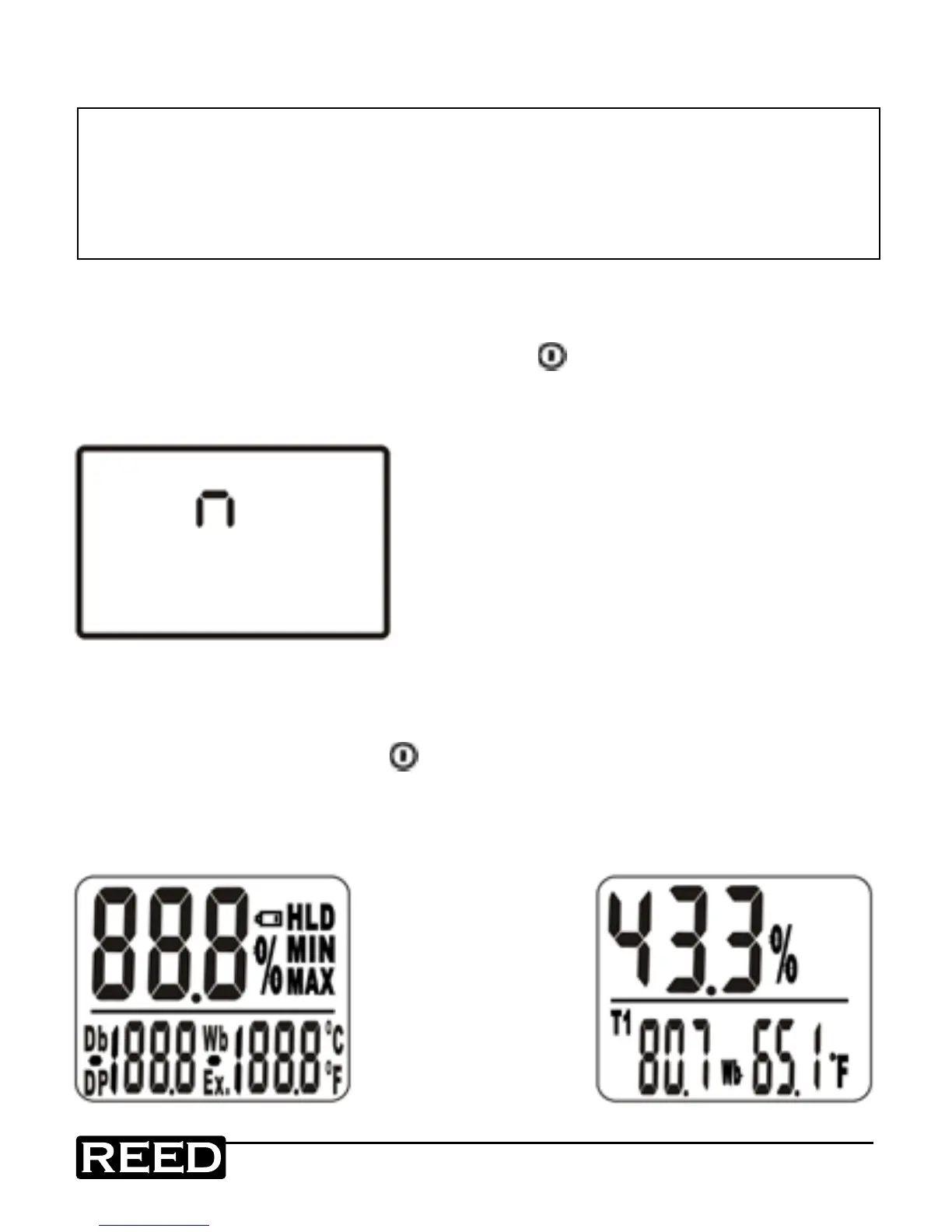
off. When "n" appears (see gure A), release the HOLD button. The meter
is now in Non-Sleep Mode.
Figure A
Mode Options
1. Turning on the protective sensor cap in counterclockwise direction.
2. Turn meter on by pressing power button (see gure B).
3. Press C/F key for more than 1 second to convert reading to desired
unit. Both the temperature and relative humidity measurement will
display simultaneously (see gure C).
Figure B
Figure C
requires 87P6 probe
www.GlobalTestSupply.com
Find Quality Products Online at: sales@GlobalTestSupply.com


 To Next Page