EasyManua.ls Logo

Reer MOSAIC MR4 - User Manual

Reer MOSAIC MR4
169 pages
Print Icon
To Next Page IconTo Next Page
Loading...
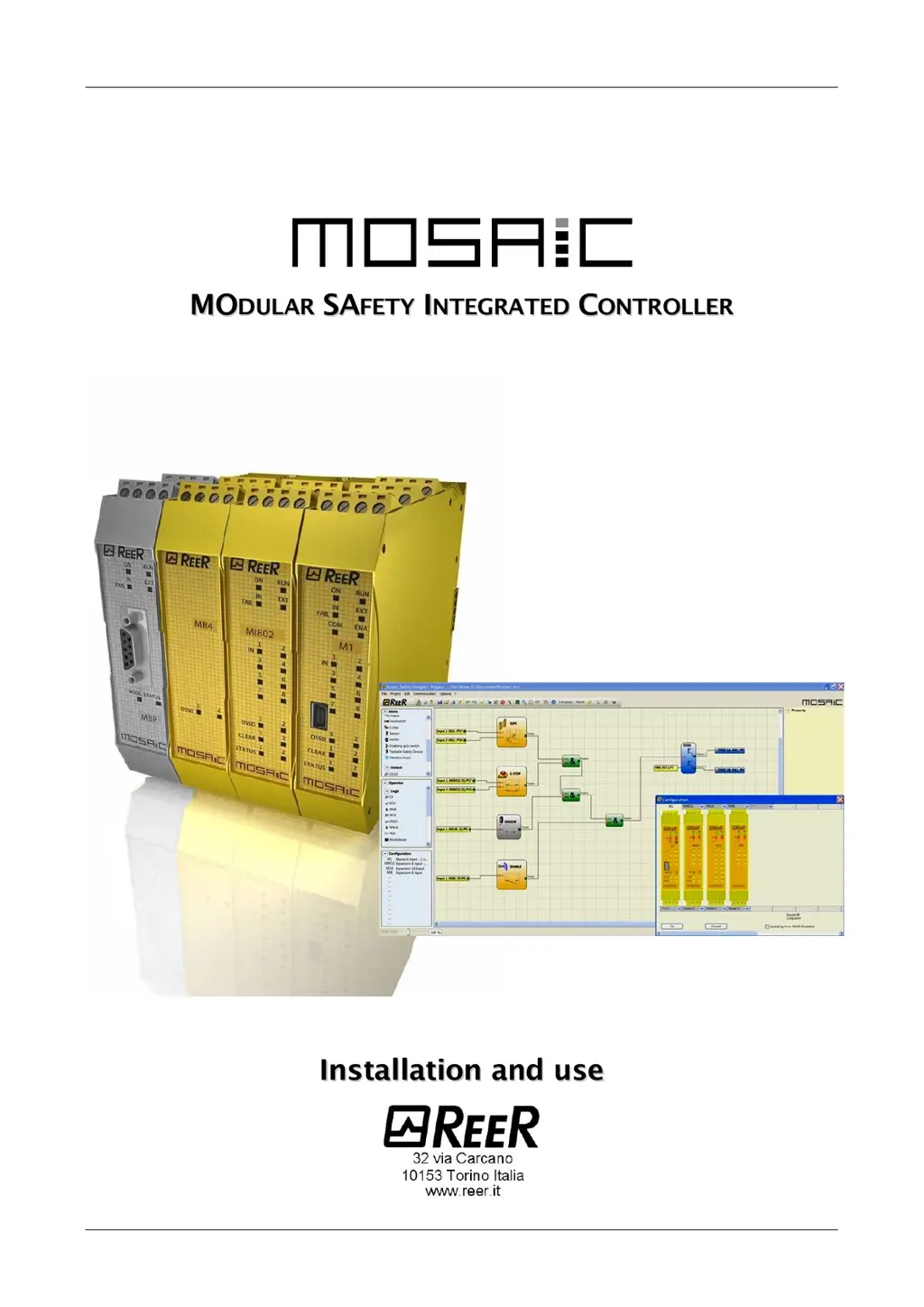
MODULAR SAFETY INTEGRATED CONTROLLER MOSAIC
1 8540780 • 07/05/2018 • Rev.33
(
(
C
C
o
o
p
p
y
y
o
o
f
f
t
t
h
h
e
e
o
o
r
r
i
i
g
g
i
i
n
n
a
a
l
l
i
i
n
n
s
s
t
t
r
r
u
u
c
c
t
t
i
i
o
o
n
n
s
s
)
)

Table of Contents

Other manuals for Reer MOSAIC MR4

Questions and Answers

Summary

INTRODUCTION

IMPORTANT SAFETY INSTRUCTIONS

Safety alert symbol indicates a potential personal safety hazard. Failure to comply can pose a serious risk.

CALCULATION OF SAFETY DISTANCE OF AN ESPE CONNECTED TO MOSAIC

OUTPUTS

OSSD (M1, MI8 O2)

Details the characteristics of OSSD outputs, including voltage and load.

TROUBLESHOOTING

MASTER M1 TROUBLESHOOTING

Details troubleshooting steps and remedies for Master M1 errors.

MOSAIC SAFETY DESIGNER SOFTWARE

INSTALLING THE SOFTWARE

Details PC hardware and software requirements for installing the MSD software.

CREATE A NEW PROJECT (CONFIGURE THE MOSAIC SYSTEM)

CONNECT TO MOSAIC

MONITOR (I;O STATUS IN REAL TIME)

OBJECT FUNCTION BLOCKS

OSSD (SAFETY OUTPUTS)

Describes OSSD safety outputs, their parameters, and error detection.

RELAY

INPUT OBJECTS

E-STOP (EMERGENCY STOP)

Describes the E-STOP function block and its parameters for emergency stop functionality.

LOCK FEEDBACK

SENSOR

SPEED CONTROL TYPE FUNCTION BLOCKS

SPEED CONTROL

Details parameters for speed control, including axis and sensor types.

STAND STILL

OPERATOR FUNCTION BLOCKS

COUNTER OPERATORS

TIMER OPERATORS (MAX NUMBER = 32)

MUTING FUNCTION

NETWORK (MAX NUMBER = 1)

SIMULATOR FEATURE

MOSAIC FAIL CODES

Summary

INTRODUCTION

IMPORTANT SAFETY INSTRUCTIONS

Safety alert symbol indicates a potential personal safety hazard. Failure to comply can pose a serious risk.

CALCULATION OF SAFETY DISTANCE OF AN ESPE CONNECTED TO MOSAIC

OUTPUTS

OSSD (M1, MI8 O2)

Details the characteristics of OSSD outputs, including voltage and load.

TROUBLESHOOTING

MASTER M1 TROUBLESHOOTING

Details troubleshooting steps and remedies for Master M1 errors.

MOSAIC SAFETY DESIGNER SOFTWARE

INSTALLING THE SOFTWARE

Details PC hardware and software requirements for installing the MSD software.

CREATE A NEW PROJECT (CONFIGURE THE MOSAIC SYSTEM)

CONNECT TO MOSAIC

MONITOR (I;O STATUS IN REAL TIME)

OBJECT FUNCTION BLOCKS

OSSD (SAFETY OUTPUTS)

Describes OSSD safety outputs, their parameters, and error detection.

RELAY

INPUT OBJECTS

E-STOP (EMERGENCY STOP)

Describes the E-STOP function block and its parameters for emergency stop functionality.

LOCK FEEDBACK

SENSOR

SPEED CONTROL TYPE FUNCTION BLOCKS

SPEED CONTROL

Details parameters for speed control, including axis and sensor types.

STAND STILL

OPERATOR FUNCTION BLOCKS

COUNTER OPERATORS

TIMER OPERATORS (MAX NUMBER = 32)

MUTING FUNCTION

NETWORK (MAX NUMBER = 1)

SIMULATOR FEATURE

MOSAIC FAIL CODES

Reer MOSAIC MR4 Specifications

General IconGeneral
Operating voltage24 VDC
Protection classIP20
Safety standardEN ISO 13849-1, EN 62061
Safety integrity levelSIL 3
Communication interfacesEthernet, CANopen
ProgrammingGraphical programming

Related product manuals