General information
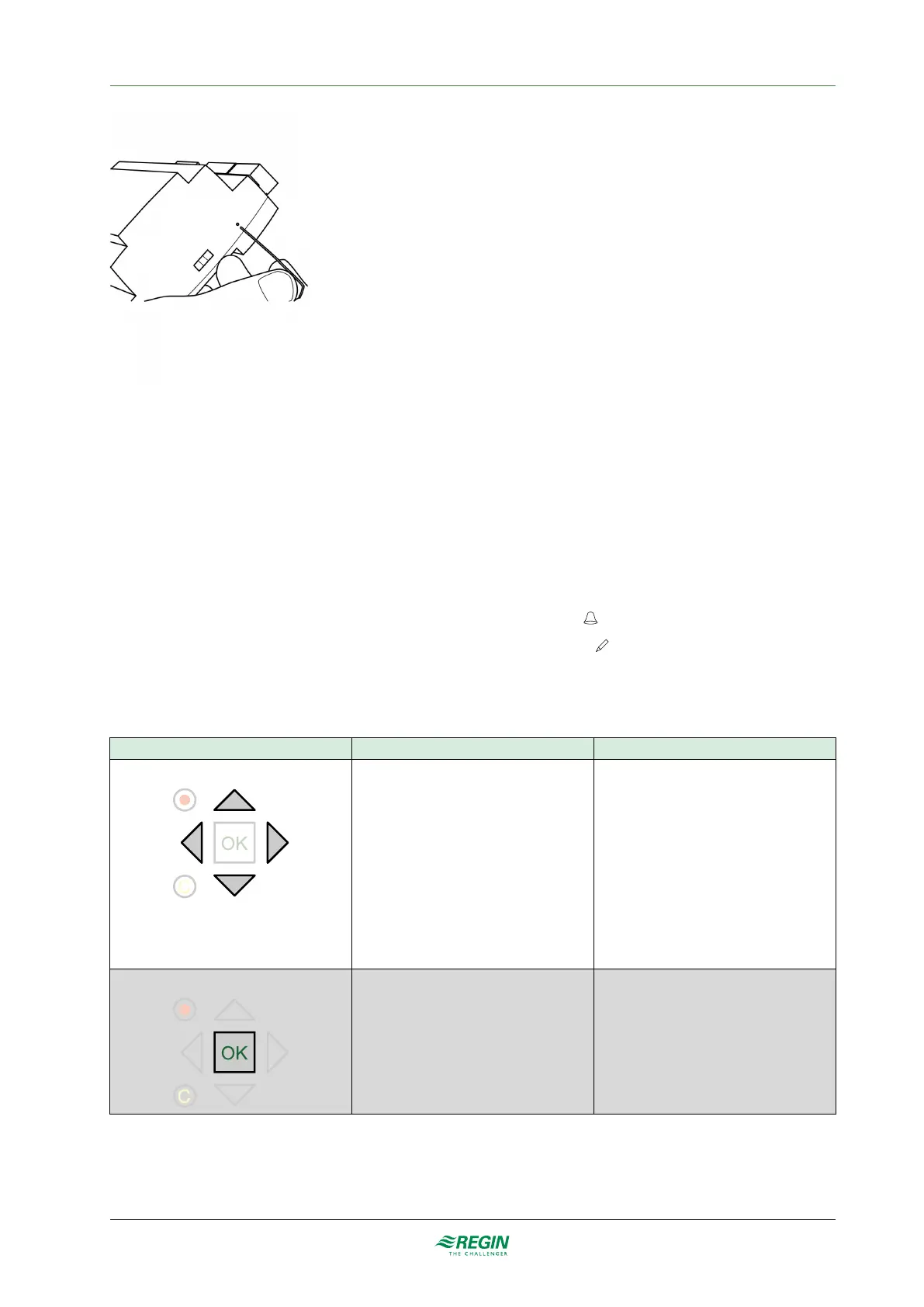
Figure 2-3 Resetting the application memory.
2.3 Display
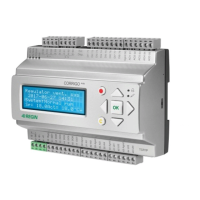
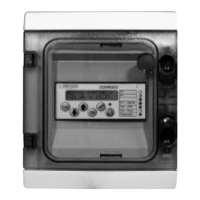
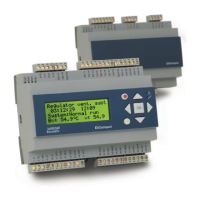
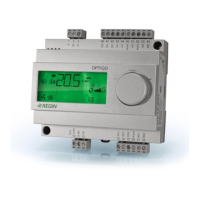
The display has 4 rows of 20 characters each. It has background illumination. The illumination is normally
off, but is activated as soon as a button is pressed. The illumination will be turned off again after a period of
inactivity.
There are two LEDs on the front:
✓ The red LED is used for alarm indication and is marked with the
symbol
✓ The green LED is used for write indication and is marked with the
symbol
The display menu system is handled using seven buttons as shown in Table 2-1.
Table 2-1 Summary of the function of the buttons
The buttons Functions Function in Alarm Mode
[▲][▼][►][◄]
Navigation buttons:
▲ Navigate upwards.
▼ Navigate downwards.
► Navigate to the right.
◄ Navigate to the left.
In change mode:
◄ Move cursor to the left.
► Move cursor to the right.
▲ Increase the value by 1.
▼ Decrease the value by 1.
▲and ▼ Scroll among the texts when
there are several alternatives.
▲ Navigate up in the alarm stack.
▼ Navigate down in the alarm stack.
◄ Exit alarm display mode.
[OK]
✓ Enter change mode.
✓ Confirm a new value in change mode.
An input must be confirmed with this
button in order to change the value in
the controller.
When a value has been confirmed, the
cursor will move to the next manoeu-
vrable value in the current box.
✓ A menu with all available maneuvers
that are available for the current alarm is
displayed.
8
EXOcompact Ardo, Eedo and Vido manual, Rev.
B



 To Next Page