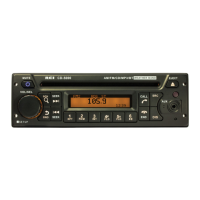
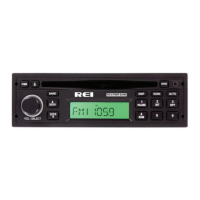
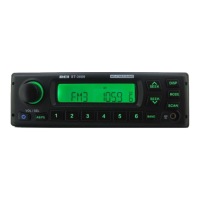
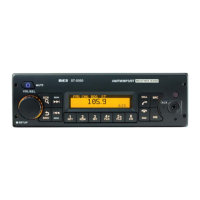
RADIO REMOVAL
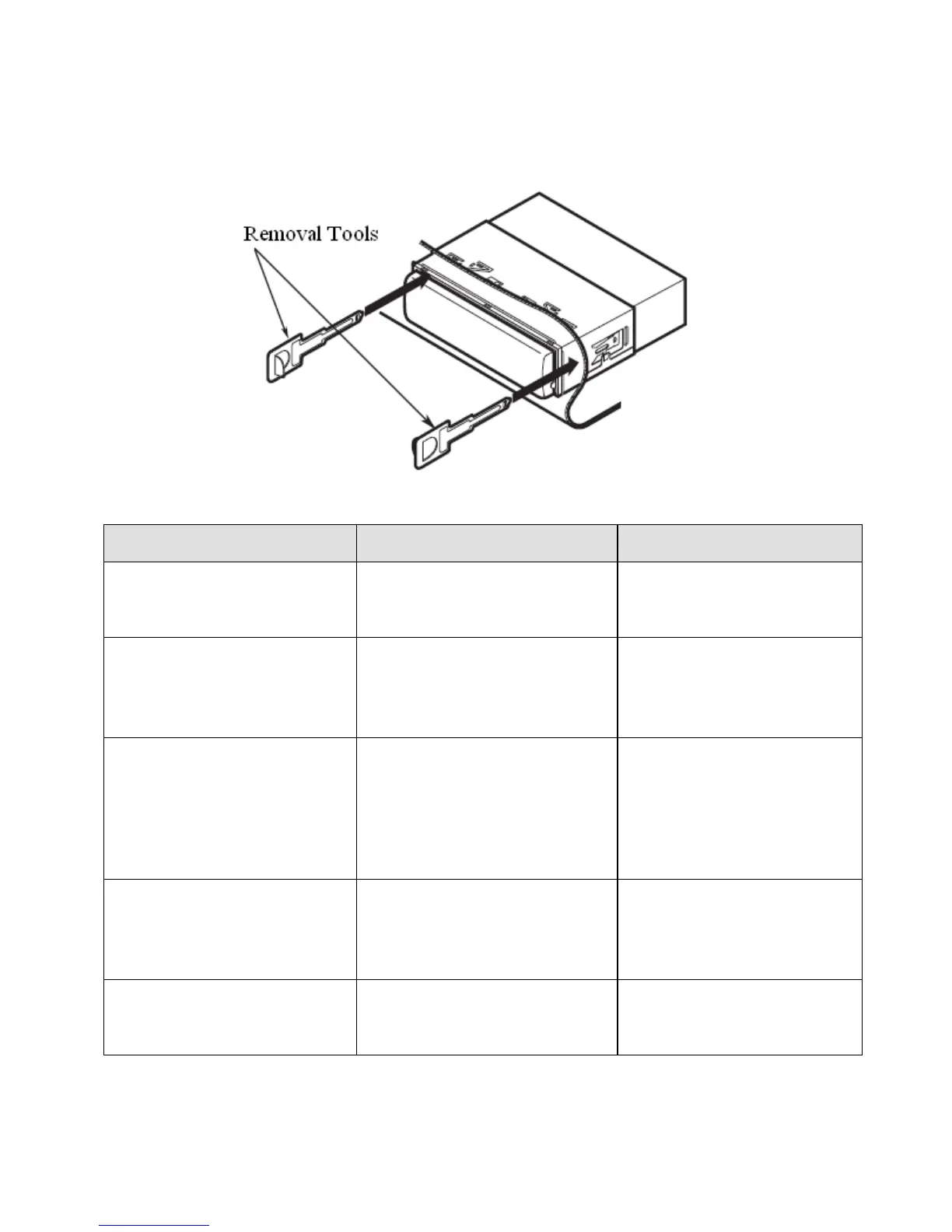
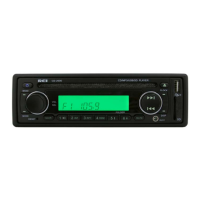
3. To remove the radio, disconnect the rear support stud if installed. Remove the
front Trim Ring and insert the two release keys on either side of the radio then pull the
radio out.
TROUBLESHOOTING
Power light does not turn on
No power to yellow wire; no power
to red wire; blown fuse
Check for ACC/BATTERY
voltage with Multi-meter, check
fuse; press RESET button.
Sp ea k er s have no sound
Speakers not connected; speakers
connected with bad splices;
Speakers shorted to ground; total
speakers load not within 4-8Ω/ch
Connect speakers to harness;
check all spliced wires; verify
speakers not shorted to chassis;
verify total speaker impedance.
Public Address is not be heard
over sp ea k er s
Microphone volume level is “0”;
microphone is plugged into the
wrong input; wrong microphone
type is used
Turn the volume up when the
LCD display’s MIC 1 or MIC 2;
Check that the correct
microphone type is connected
Digital media won’t play or
says “Unsupported Video”
Media is an unsupported file type.
Encode media with a supported
file type; make sure disc has
been finalized; use different
software
LCD Display says MIC /MIC 1/
or MIC 2 and front controls are
lock ed
Remove microphone connections
and verify correct pinning;
replace microphone


 To Next Page